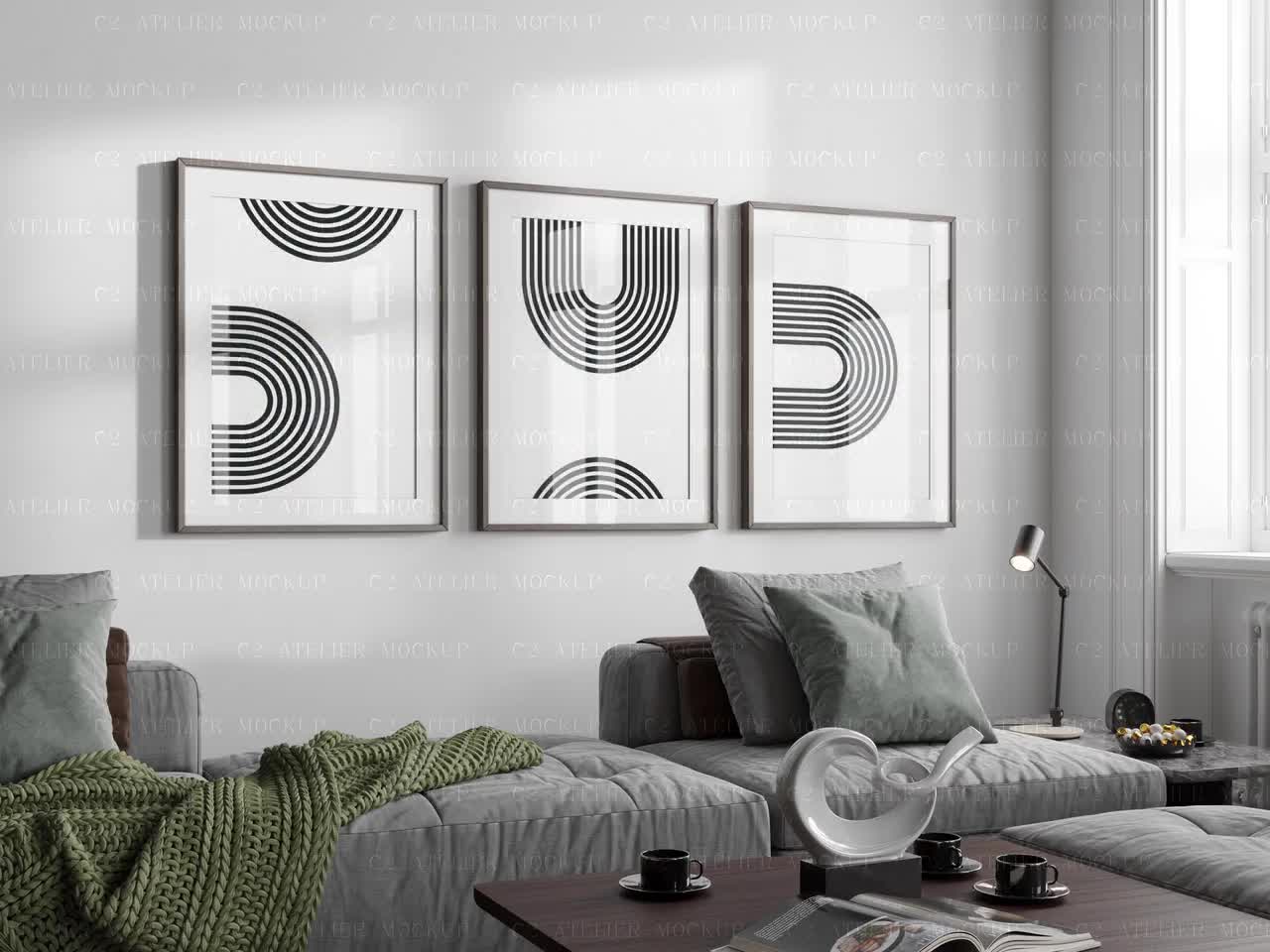
Best Mockup Tools for Print Sellers in 2026: An Honest Comparison
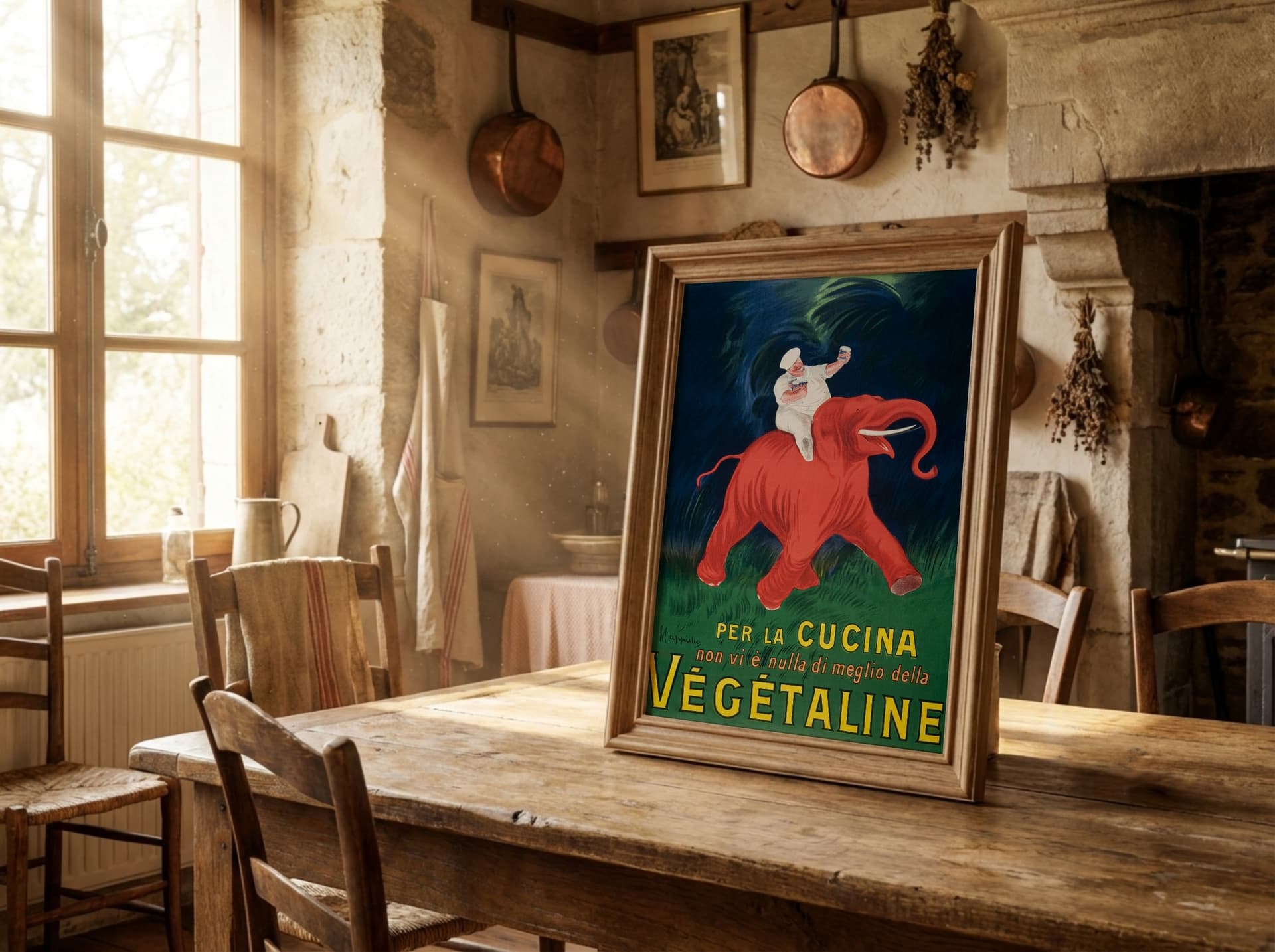
The mockup tool landscape looks very different in 2026 than it did just a couple of years ago. Smartmockups, which hundreds of thousands of sellers relied on, officially shut down in late 2024. The tools that remain have diverged sharply: some have doubled down on volume, offering libraries of tens of thousands of generic templates, while others have focused on what actually moves the needle for print sellers, which is quality, realism, and the ability to work at speed without compromising on how your products look.
If you sell art prints, posters, framed artwork, or any kind of wall art on Etsy or through a print-on-demand platform, the mockup tool you choose will have a direct impact on your conversion rate. This is not a minor detail. Buyers on Etsy cannot hold your product before purchasing, so your listing images are doing the entire job of convincing someone to part with their money. A flat, poorly lit, or obviously generic mockup signals to buyers that the seller has not invested in their brand, and that impression is hard to shake even if the underlying artwork is exceptional.
This comparison covers the four tools that print sellers are actually choosing between right now: Mockupanda, Placeit, Canva (which absorbed the Smartmockups feature set), and the traditional route of purchasing individual PSD mockup files and editing them yourself. For each one, we look at what it does well, where it falls short, and who it is genuinely best suited for.
Why Mockup Quality Matters More Than You Think
Before getting into the tools themselves, it is worth spending a moment on why mockups have such an outsized effect on print shop performance. The data consistently shows that listings with high-quality lifestyle mockups outperform those with flat lay images or product-only photos, and the gap gets wider as competition in any given niche increases.
The First Image Is Almost Everything
On Etsy, buyers make a judgment in roughly two seconds while scrolling through search results. Your first listing image is the only thing that gets them to click. A well-composed room scene showing your art print on a gallery wall in a beautifully styled living room creates an immediate emotional response: they can picture it in their own home. A flat image on a white background, or a generic stock bedroom that every other seller is also using, does not trigger that same reaction.
This is why the mockup tool you use is less about features on paper and more about whether the output it produces can pass a credibility test. Does it look like a real photograph? Does the perspective of the artwork match the angle of the room? Does the color of the print look accurate and vivid, or has it been flattened and washed out by a low-quality template? These details make the difference between a click and a scroll.
Consistency Across Your Catalog Builds a Brand
Beyond the individual listing, there is a second benefit to using a tool that produces high-quality, consistent output: it makes your shop look like a brand rather than a collection of unrelated items. When a buyer clicks through to your shop from a listing that caught their eye, they see your entire catalog at once. If every product is photographed in the same style, with the same quality, in a coherent visual language, the shop feels professional and intentional. If half your listings use one style of mockup and the other half use something different, the shop looks patched together, even if the artwork itself is cohesive.
Getting that consistency manually, by hunting for matching templates across different tools and services, is genuinely tedious. The right mockup tool makes it automatic.
The Tools: What Each One Actually Does
Placeit
Placeit is the most widely known mockup tool and it has a genuinely enormous template library. At the time of writing, the platform offers somewhere between 40,000 and 150,000 templates depending on how you count them, covering apparel, devices, packaging, and wall art. For sheer volume, nothing else comes close.
Pricing: Placeit charges $14.95 per month on a monthly subscription, or roughly $89.69 per year on an annual plan, which works out to about $7.47 per month.
What it does well: The breadth of the library is real. If you need a mockup for a product category you do not work with often, there is almost certainly something in there for you. The interface is simple and browser-based, and you can download a mockup in a few clicks without any design knowledge.
Where it falls short for print sellers: The template library, while massive, is built for volume rather than quality. For wall art and framed prints specifically, many of the templates use generic room scenes that every other Placeit user is also using. When your mockup looks identical to the mockup from five competing shops, you have not differentiated yourself at all.
The more fundamental limitation is one that Placeit has never really addressed: there is no perspective matching between the artwork you upload and the frame or surface in the template. The template is fixed, your artwork is dropped in, and if the angles do not match naturally, the result looks pasted rather than photographed. For a buyer scrolling through Etsy, that uncanny quality registers even if they cannot articulate exactly why.
There is also no way to use your own room scene or lifestyle photo as the base for a mockup. You are always choosing from Placeit's library, which means you share your mockup aesthetic with anyone else who picked the same template.
Canva (formerly including Smartmockups)
When Smartmockups shut down in 2024, Canva absorbed a version of its mockup capability into its broader platform. Canva is primarily a graphic design tool, and mockups are one feature among hundreds rather than the core product.
For Etsy sellers who are already using Canva for social media graphics, promo images, or branding materials, there is some convenience in having mockups available in the same platform. The learning curve is low if you are already a Canva user.
What it does well: Integration with the broader Canva workflow. If you are already designing in Canva, you can stay in one tool. The free tier of Canva is also genuinely usable for basic work.
Where it falls short: Mockup creation in Canva feels like an afterthought because it essentially is one. The available mockup templates are basic, the customization options are limited, and there is nothing in the Canva toolset built specifically for the needs of print sellers working at volume. If you are creating listings in batches, applying the same artwork to 10 different frame styles, the process in Canva is slow and manual. There is no batch generation, no perspective matching, and no way to maintain visual consistency across a large catalog without significant manual effort.
PSD Mockup Files (Photoshop)
Before browser-based tools existed, the standard approach was to purchase individual PSD mockup files from sites like Creative Market or Etsy, then edit them in Photoshop. This approach has not gone away, and for sellers who are comfortable in Photoshop, it is still capable of producing genuinely excellent results.
What it does well: A high-quality PSD file from a skilled creator gives you complete control. You can adjust lighting, shadows, color grading, and every other aspect of the final image. The results can look indistinguishable from a real photograph.
Where it falls short: The barrier to entry is significant. Photoshop costs around $22 per month as a standalone app and has a steep learning curve. Beyond that, working through individual PSD files is slow. If you have 15 designs and want each one in four different frame styles, you are looking at 60 individual edits. For sellers working at any kind of volume, this approach does not scale.
There is also the issue of sourcing good files. The quality of PSD mockups varies enormously, and finding consistently high-quality files across different product types takes time and money.
Mockupanda
Mockupanda was built specifically for print sellers, and it shows in almost every design decision the tool makes. The origin of the product is worth understanding: it was created out of genuine frustration with the existing options, specifically the gap between what print sellers actually needed and what the available tools provided. That context matters because it means the feature priorities are grounded in real seller workflows rather than general product design thinking.
Pricing: Mockupanda offers a free tier that lets you export a limited number of mockups per month, which is enough to evaluate whether the tool works for your shop. The paid plan is $10 per month and includes unlimited mockup exports with no watermarks. There is no per-download fee, no credits system, and no cap on how many mockups you can generate in a billing period.
This pricing structure is genuinely different from what most alternatives offer. When you are preparing a new collection, you might want to generate 50 or 100 mockups in a single session. At Placeit, that is covered by the subscription. At Mockupanda, it is also covered, and the subscription costs less.
What Makes Mockupanda Different: The Features That Actually Matter
Perspective Transformation That Looks Real
The single biggest technical differentiator in the print mockup space is perspective handling. When you place a flat artwork file into a mockup of a frame hanging on a wall, the artwork needs to be distorted slightly to match the angle and perspective of the frame as it appears in the photograph. Get this wrong and the mockup looks flat and obviously composited. Get it right and it looks like you actually hung the piece on the wall and photographed it.
Mockupanda uses a homographic transformation engine to handle this. When you place your artwork into a template, the tool calculates the exact perspective warp needed to match the surface geometry of the frame or print as it appears in the scene. The result is an artwork placement that looks optically correct from every angle, in every template.
This is not how most mockup tools work. In the majority of cases, including Placeit, the artwork is scaled and placed into a rectangular mask without perspective adjustment. The effect is subtle in some templates and obvious in others, but once you know what to look for, you see it everywhere.
Template Quality You Will Not Find Elsewhere
The templates in Mockupanda are not pulled from a stock library or generated algorithmically. They are curated and produced with print sellers specifically in mind, which means the room scenes are styled for wall art, the lighting is realistic, the frame styles cover what buyers actually search for, and the overall aesthetic is consistent across the collection.
Generic mockup libraries are generic because they have to serve everyone. A library that needs to work for phone cases, coffee mugs, t-shirts, tote bags, and wall art simultaneously ends up making compromises in all directions. Mockupanda does not have that constraint. Every template in the library is relevant to print sellers, and the quality shows.
This matters practically because the mockup you choose is the environment your artwork lives in. A beautifully designed print placed in a cheap-looking room scene loses credibility immediately. A print placed in a well-composed, realistically lit scene gains credibility it might not have earned on its own.
Apply Your Design to Your Own Branded Image
One of the most distinctive features Mockupanda offers is the ability to use your own image as the base for a mockup. Instead of choosing from the library, you can upload a photograph of your own space, your own wall, or any styled scene you have created or purchased, and apply your artwork directly to it.
This means your mockups can be genuinely unique. No other seller on Etsy can produce the same mockup image as you if the base photograph belongs to you. For shops that have invested in building a recognizable visual identity, this is a significant advantage. It also means that if you work with an interior photographer or have access to staged rooms that match your brand aesthetic, you can bring that directly into your listing images without any Photoshop skills.
The process is the same as working with any other template in Mockupanda: you upload your artwork, select the surface in the image where it should appear, and the perspective transformation handles the placement automatically.
Unlimited Exports and Genuine Batch Speed
Volume matters for print sellers. A shop with 200 active listings and regular new releases needs to produce mockups at a pace that does not become a bottleneck. Mockupanda's unlimited export model means you are never rationing your mockups or calculating whether a batch generation run is worth it this month.
The interface is designed for speed. Loading a template, placing artwork, and exporting takes seconds once you are familiar with the workflow. For sellers who want to put a new design into ten different frame styles and export all of them in a single session, the process is fast and the consistency of the output means you are not going back to fix things after the fact.
Choosing the Right Tool for Your Shop
If You Sell Primarily Art Prints and Wall Art
Mockupanda is the obvious choice. The template library is built for this category, the perspective engine produces results that are difficult to distinguish from professional photography, and the unlimited export model fits the workflow of shops that produce listings in volume. The ability to use your own branded images is a meaningful differentiation strategy as competition in the wall art category continues to increase.
If You Sell Across Many Product Categories Including Apparel and Accessories
Placeit's breadth is a real advantage if you genuinely need mockups for a wide range of products. If you are selling wall art, t-shirts, tote bags, and phone cases simultaneously, Placeit may be the only tool that covers everything under one subscription. The tradeoff is quality: your wall art mockups will look less realistic than what Mockupanda produces. Some sellers manage this by using Mockupanda for their core print category and Placeit as a supplemental tool for other products.
If You Are Just Starting Out
Mockupanda's free tier is worth starting with. You get a real sense of the template quality and the output without any financial commitment. If you are at the stage of testing product ideas and building your first listings, the free tier gives you professional-quality mockups to work with while you figure out which products have legs in your market.
If You Already Have Photoshop Skills
PSD files from high-quality sources like Creative Market can still produce excellent results, and if you already have the skills and the software, the incremental cost of adding high-quality PSD files to your workflow is relatively low. The limitation is speed and scalability. If your shop grows beyond a handful of designs, the manual process of editing individual PSD files will eventually become a constraint.
The Bigger Picture: What the Shutting Down of Smartmockups Tells Us
The closure of Smartmockups in 2024 is worth reflecting on briefly because it illustrates something important about the mockup tool market. Smartmockups was a well-funded product with a large user base, and it still could not survive as a standalone tool in a market dominated by general-purpose design platforms on one side and volume-focused template libraries on the other.
What survives, and what grows, are tools that have a genuinely differentiated product offering and a clear focus on a specific user. Mockupanda's focus on print sellers, and specifically on the quality and realism that print sellers need to compete in a visually crowded marketplace, is exactly the kind of clarity that matters in this environment.
That does not mean every tool should be ignored in favor of a specialist. But it does mean that when you are evaluating your options, the most important question is not which tool has the most templates. It is which tool produces the best output for the specific products you sell and the specific buyers you are trying to reach.
Final Thoughts
The mockup tools available to print sellers in 2026 are genuinely better than what existed three or four years ago, even accounting for the loss of Smartmockups. The overall quality bar has risen, the pricing has become more accessible, and the specialized tools have gotten sharper.
For most Etsy sellers who focus on wall art and framed prints, the combination of template quality, perspective realism, and unlimited exports at a low monthly cost makes Mockupanda the clearest choice. The free tier removes the risk from trying it, and the difference in listing image quality compared to generic template tools is visible immediately.
For sellers who need coverage across many product categories, Placeit remains a reasonable option despite its limitations. And for sellers with Photoshop skills who work at lower volume, quality PSD files are still capable of excellent results.
The deciding factor, in most cases, is the same one it has always been: does the output look like something a real buyer would trust? Get that right, and the tool that helps you get there is the right tool for your shop.
Ready to see the difference quality mockups make? Try Mockupanda free at mockupanda.com and generate your first three mockups without an account.
Keep reading
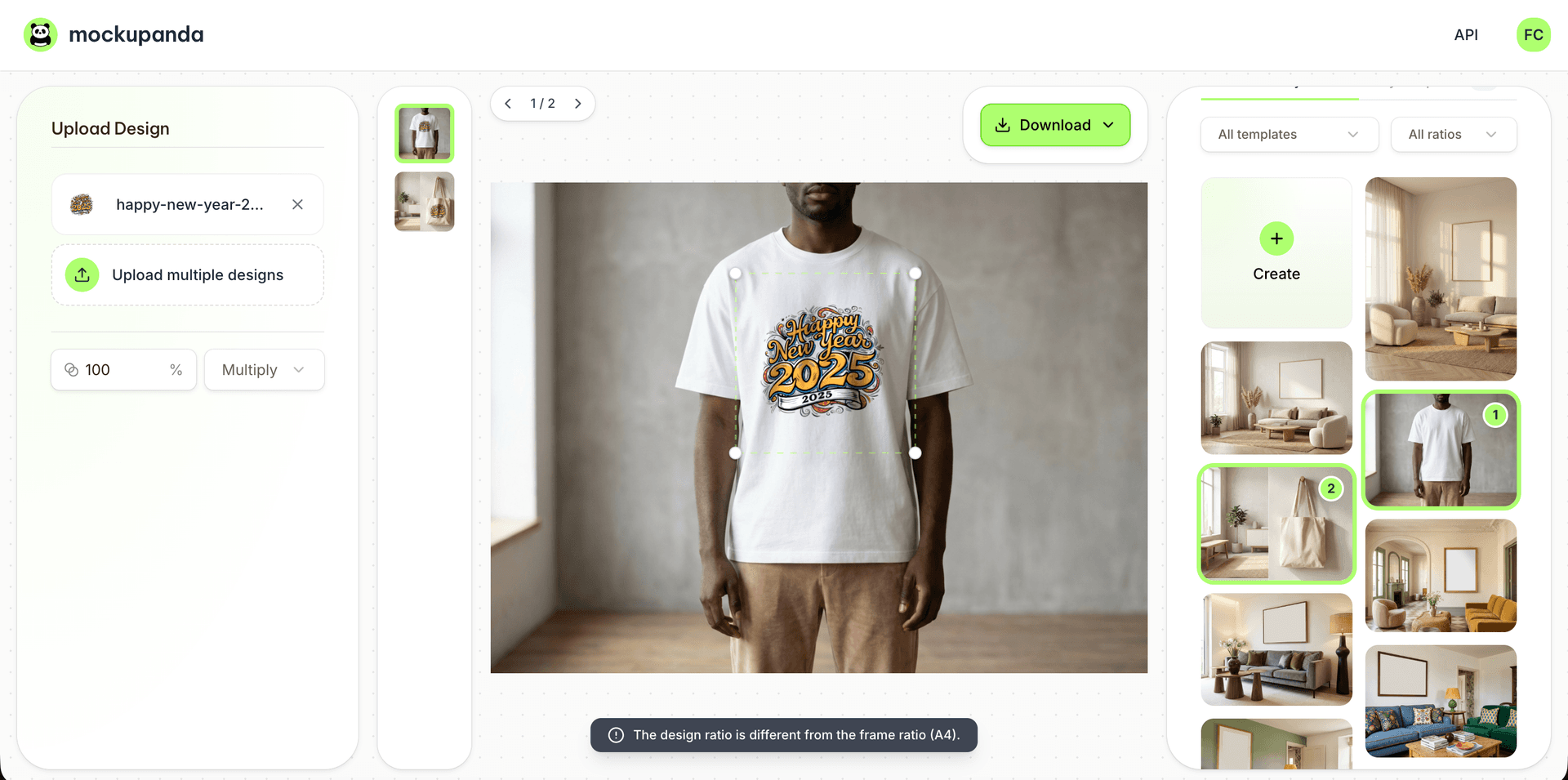
How to Create Realistic Product Mockups from Any Photo (T-Shirts, Mugs, Tote Bags and More)
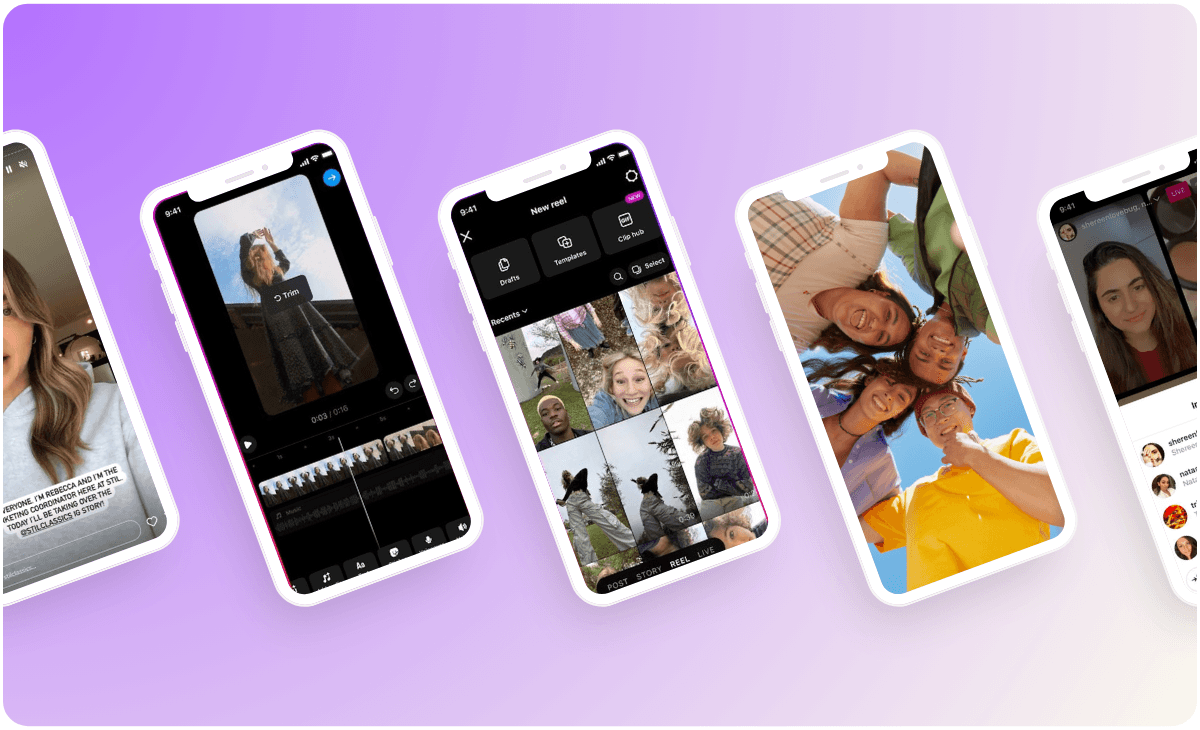
How to Use Your Mockup Generator to Create Instagram Carousel Posts That Drive Traffic to Your Etsy Shop