How Print-on-Demand Sellers Are Using Mockup APIs to Cut Product Launch Time From Hours to Minutes
The Hidden Time Tax Killing Your Product Launch Momentum
Every print-on-demand seller knows the feeling. You finish a new design, you're excited about it, and then the momentum completely stalls because you still have to create all the mockups.
You open your mockup tool, upload the file, adjust the placement, export it, repeat that process for five or six different mockup styles, rename the files so you can find them later, and then do it all over again for the next design. By the time you have twenty new products ready to list, half the day is gone.
That time tax is real, and it compounds fast when you're running a high-volume shop. The sellers who are scaling past a few hundred listings are not doing this manually anymore. They've figured out that the actual bottleneck in their business is not design quality or niche selection. It's the mechanical, repetitive work of getting images ready for every single product.
Mockup APIs are the tool that breaks that bottleneck wide open.
What Most Sellers Don't Realize About Their Time
If it takes you ten minutes to create mockups for one product and you want to launch fifty products, that's over eight hours of work before a single listing goes live. That's a full workday spent doing something a computer could do for you in under a minute.
The sellers who are winning on Etsy and Shopify right now are not necessarily better designers. They've just found ways to remove themselves from the repetitive parts of the workflow so they can focus on the creative and strategic parts.
Why Manual Mockup Creation Doesn't Scale
Manual mockup creation has a ceiling. At some point, the amount of time it takes to process new designs becomes the limiting factor on how many products you can realistically launch. You can hire help, but that adds cost and coordination overhead. You can batch your work, which helps, but you're still doing every step by hand.
The only real solution is automation, and that's exactly what a mockup API makes possible.
Takeaway: Track how long it actually takes you to create mockups for one product launch. Multiply that by your typical batch size. If that number is more than an hour, automation should be your next priority.
---
What a Mockup API Actually Does (In Plain Language)
The word "API" can feel intimidating if you don't have a technical background, but the concept is straightforward. An API is just a way for two software tools to talk to each other and exchange information automatically.
A mockup API specifically lets you send a design file to a mockup generator and get a finished mockup image back, without opening a browser, logging into a tool, or touching anything manually. You describe what you want through a simple request, the system processes it, and the output lands wherever you need it.
The Basic Flow of an API-Driven Mockup Workflow
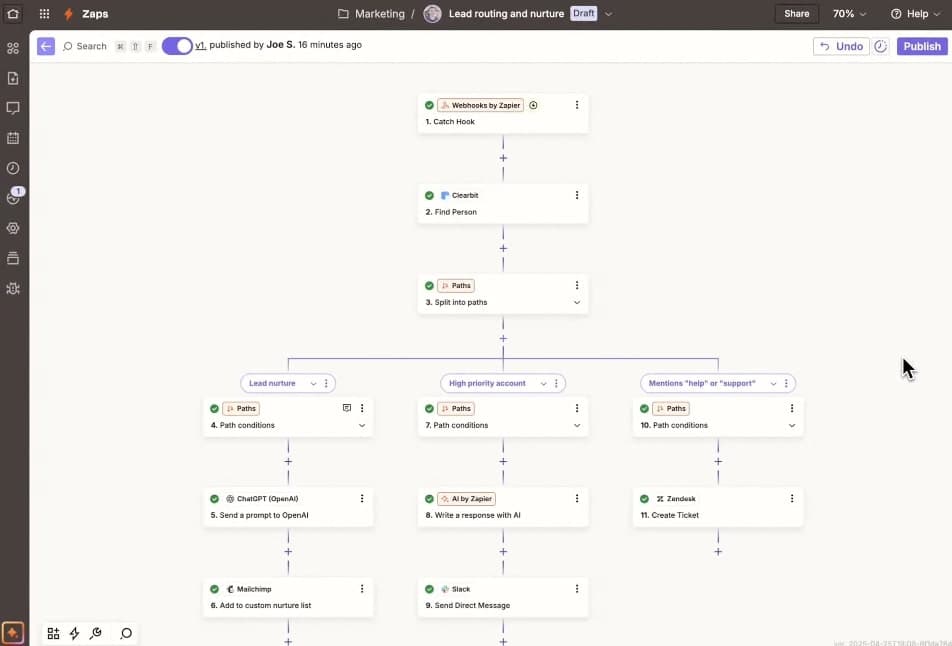
Here's how it works at a practical level. You have a folder of design files, maybe twenty new art prints you just finished. Instead of uploading each one manually, your automated workflow picks up those files, sends them to the mockup API with a set of instructions, and the API returns finished mockup images for each design, across as many mockup styles as you've specified.
The whole thing can run while you're doing something else entirely. By the time you check back, the images are ready and organized, often already named and sorted by product.
This is what a zero-touch mockup pipeline looks like in practice. You set it up once and it runs on its own.
What You Can Control Through the API
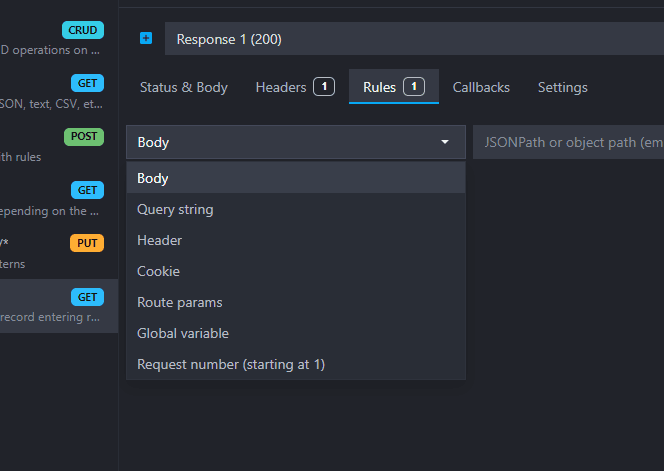
A well-built mockup API gives you control over everything that matters for consistent, professional output. With Mockupanda's API, for example, you can specify which mockup template to use, where your design should be placed within the frame, what background color or scene you want, and whether to include any text overlays for advertising or collection branding purposes.
You can also chain multiple templates together so that one design request automatically generates five or six different mockup variations. One input, multiple outputs, zero manual steps in between.
Who Is This Actually For?
You don't need to be a developer to benefit from a mockup API. You do need to be comfortable with the idea of connecting tools together, and ideally willing to learn one or two new things. Many sellers use no-code automation tools like Make (formerly Integromat) or Zapier to connect their design storage to the API, and from there to their shop platform.
If you're already running a shop with more than a few dozen listings and you're planning to keep adding products, the learning curve pays for itself very quickly.
Takeaway: You don't need to write code to use a mockup API. Start by mapping out your current product launch steps and identifying which ones happen the same way every time. Those are the steps worth automating first.
---
Real Workflows: How Sellers Are Putting This Together
Let's get concrete. Here are a few real workflow patterns that print-on-demand sellers are actually using to cut their launch time down.
The Google Drive Trigger Workflow
This is one of the simplest setups to get started with. The seller stores finished design files in a specific Google Drive folder. A no-code tool watches that folder and triggers automatically when a new file appears. It sends the file to the mockup API with a predefined template set, and the finished mockup images are saved to a separate folder, ready to upload to Etsy or Shopify.
The seller's only job is to drop a design file into the right folder. Everything else is handled automatically. For sellers launching new wall art or digital prints regularly, this alone can save several hours per week.
The Shopify or Etsy Integration Workflow
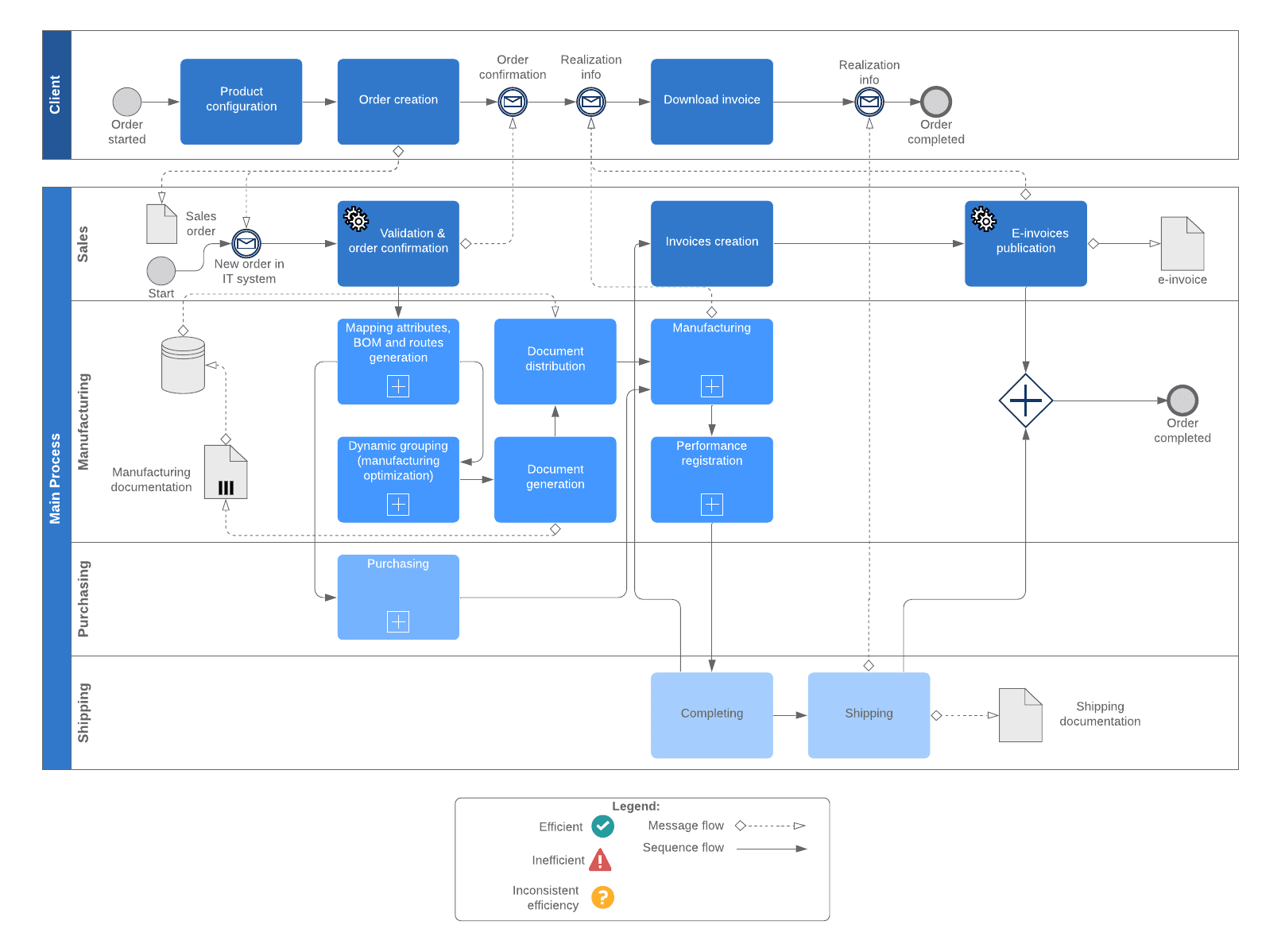
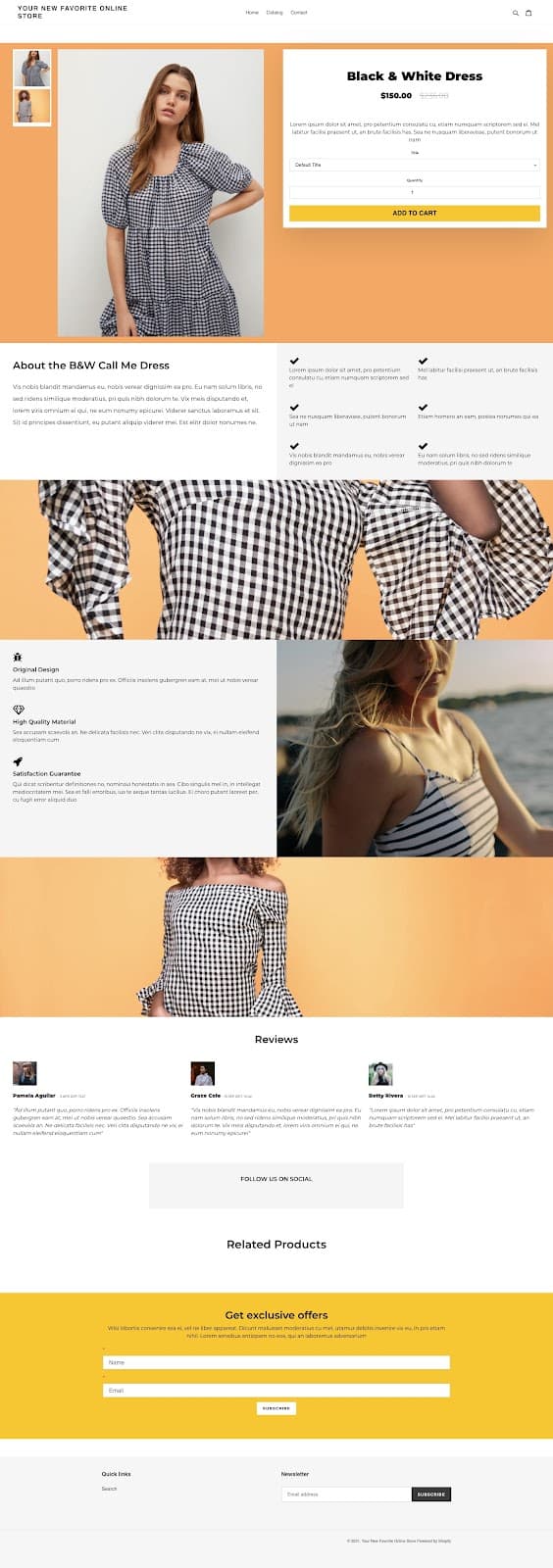
A more advanced version connects the mockup API directly to your shop. When a new product draft is created in Shopify, the workflow automatically pulls the product's main design image, sends it to the mockup API, and uploads the returned mockup images directly to the product listing.
This means your product images are generated and attached before you even finish writing the description. The listing goes live with professional mockups already in place, not added as an afterthought after a manual detour.
The Bulk Launch Workflow
This one is for sellers who build out collections or seasonal drops all at once. You prepare a spreadsheet with design file URLs and the specific mockup templates you want for each product. A script or automation tool reads through that spreadsheet, calls the API for each row, and writes the resulting image URLs back into the sheet.
From there, you can use a bulk listing tool to push everything to your shop at once. What used to take a full weekend can be done in an afternoon, with most of it running in the background. If you've ever tried to launch a fifty-product Etsy shop in a single weekend, you'll recognize exactly how much time this saves.
Takeaway: Pick one of these workflows to start with based on your current setup. The Google Drive trigger is the easiest entry point. You can build toward more integrated workflows once you're comfortable with the basics.
---
The Consistency Advantage Nobody Talks About
Saving time is the obvious benefit of an API-driven mockup workflow, but there's another advantage that has a direct impact on your sales: consistency.
When you create mockups manually, small variations creep in. The placement is slightly different from one product to the next. You used a different background in one batch because you were trying something new. The frame style doesn't match across your collection. Individually, these might seem like minor details, but collectively they make your shop look less polished and less intentional.
What Consistent Mockups Do for Your Shop
When every product in a collection uses the same mockup style, the same framing, and the same overall aesthetic, your shop looks like it was built with care. Buyers browsing your listings get a cohesive visual experience that signals professionalism, and professional presentation directly affects whether someone trusts you enough to buy.
Consistency also makes it easier to build a recognizable brand. When buyers see your mockup style, they start to associate it with your work. That recognition is valuable, especially on a platform like Etsy where the search results are crowded.
How the API Enforces Consistency by Default
Because the API uses the same template settings every time it runs, consistency is built into the workflow automatically. You define your preferred mockup style once when you set up the automation, and every design that flows through it comes out looking exactly the same way.
You're not relying on memory or habits to keep things consistent. The system does it for you. This is especially useful when you're working across a large catalogue or handing off part of the work to a virtual assistant, since the output doesn't depend on anyone following a style guide manually.
Takeaway: Before you set up your automation, decide on your core mockup style for each product type. Lock in those template settings when you configure the API workflow and let the system maintain consistency from there.
---
Text Overlays, Advertising Images, and Going Beyond Basic Mockups
One area where a mockup API really earns its place is in creating advertising images alongside standard product mockups. Most sellers think of mockups as just the product photos for their listings, but the same pipeline can generate social media graphics, Pinterest images, and promotional banners at the same time.
Adding Text Overlays Through the API
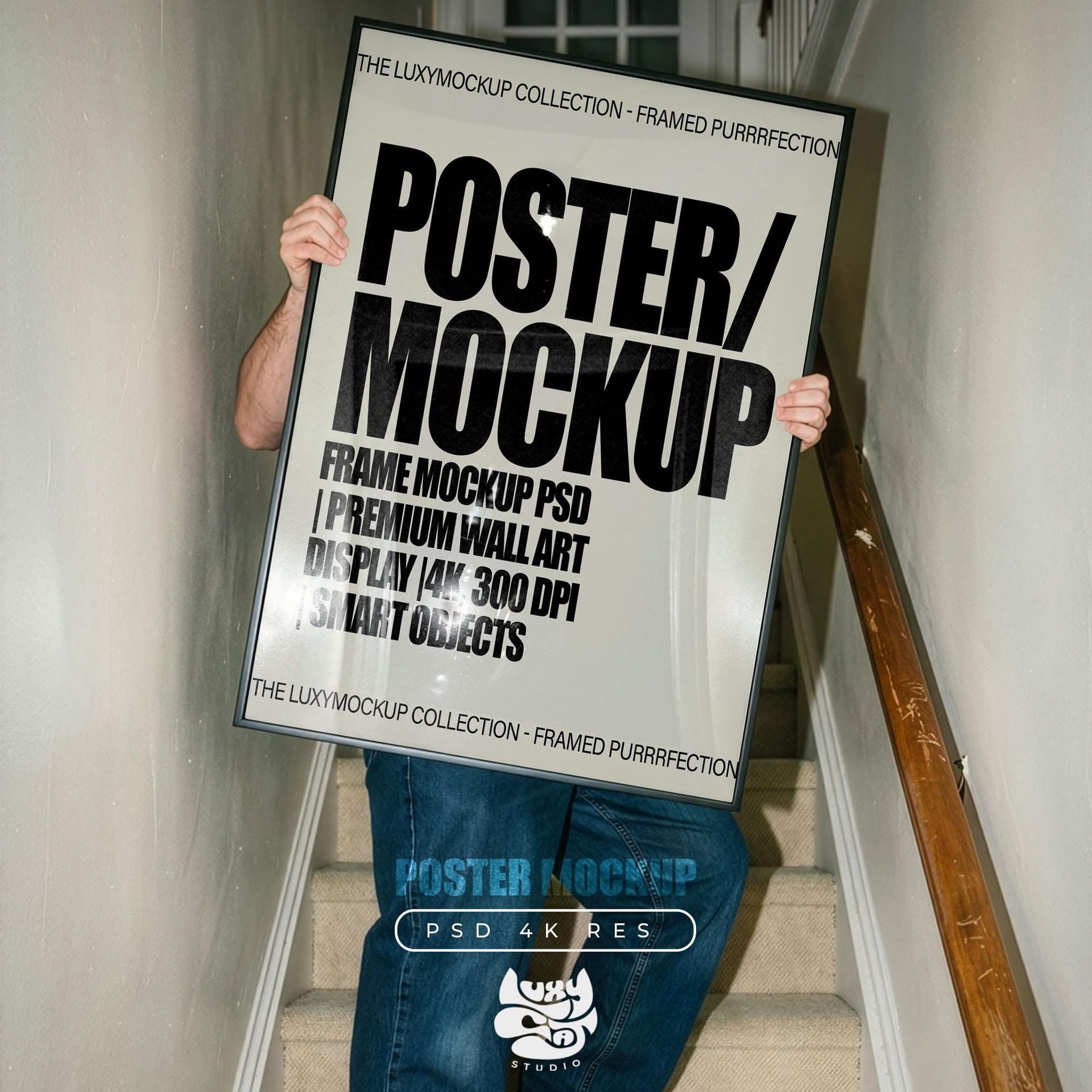
If your mockup tool supports text overlays through its API, you can include things like your shop name, a seasonal promotion, a price point, or a collection label directly on the image without opening any design software. The text parameters are just part of the API request.
This is genuinely useful for sellers who run regular promotions or who want to create Pinterest-optimized images with titles and descriptions baked in. You can generate a standard mockup and a text-overlay version in the same automated step.
Creating Multiple Image Variations at Once
For each design, you might want a close-up crop, a full room scene, a flat lay, and a lifestyle shot all at the same time. An API workflow can request all of those in a single batch, so you always have a full set of images ready for every product without doing anything extra.
This is the kind of thing that used to take a significant chunk of time per product and now just happens automatically as part of the same process.
Takeaway: When you set up your API workflow, include at least one advertising-oriented image variation in your template set. Having promotional images ready at launch means you can start marketing the moment the product goes live.
---
Getting Started Without Getting Overwhelmed
If all of this sounds like a lot to take on, here's a realistic way to approach it without trying to build everything at once.
Start With What You Already Have
You don't need to rebuild your entire workflow from scratch. Start by identifying the single most repetitive step in your current mockup process and figure out whether that specific step can be handled by an API call.
For most sellers, that's the step of uploading a design file and getting a mockup back. That alone, automated, is enough to save meaningful time even before you connect anything else together.
Build Out Gradually
Once that core step is working, add one connection at a time. Connect it to your file storage so it triggers automatically. Then connect the output to your listing tool. Each addition builds on the last, and the time savings compound at each step.
If you're running a high-volume shop and batch-creating mockups regularly, you'll find that even partial automation of this process has an immediate impact on your weekly workload.
Use the Tools That Are Built for This
Mockupanda was built specifically for print-on-demand sellers, which means the API is designed around the kinds of workflows that actually matter for Etsy and Shopify shops. The mockup templates are optimized for wall art, digital prints, and similar products, not generic merchandise. And because the tool was built by someone who ran into the same problems you're running into, the workflow makes sense for how print-on-demand businesses actually operate.
You can start with the standard bulk mockup generation features to get comfortable with the tool, then move into the API when you're ready to automate. The path from manual to fully automated doesn't have to happen all at once.
Takeaway: Pick one step to automate this week. Not your whole workflow, just one step. Get it working, see the time it saves, and then decide what to tackle next. Small wins compound quickly when you're building toward a fully automated product launch pipeline.
---
The Sellers Who Will Win the Next Few Years Are Automating Now
Print-on-demand is getting more competitive every year. More sellers, more listings, more platforms. The sellers who thrive in that environment won't necessarily be the ones with the best designs. They'll be the ones who can ship products faster, maintain higher quality and consistency, and spend their time on the decisions that actually move the needle instead of the mechanical tasks that just need to get done.
A mockup API is one of the most practical tools available for building that kind of leverage into your business. It's not a complicated or expensive solution. It's a direct answer to one of the most common time drains in the entire print-on-demand workflow.
If you're ready to stop spending your afternoons on manual mockup creation and start actually scaling, Mockupanda is worth exploring. The API is built for exactly this use case, and you don't need a developer background to get it working for your shop.
Keep reading
The Batch Mockup Checklist Every Print-on-Demand Seller Needs Before a Holiday Sales Season

How to Use the Mockupanda API to Auto-Generate Mockups Every Time You Upload a New Design to Your Print-on-Demand Store