Why Bulk Mockup Generation Is the Unlock for Print-on-Demand Sellers Who Want to Scale Past 200 Listings
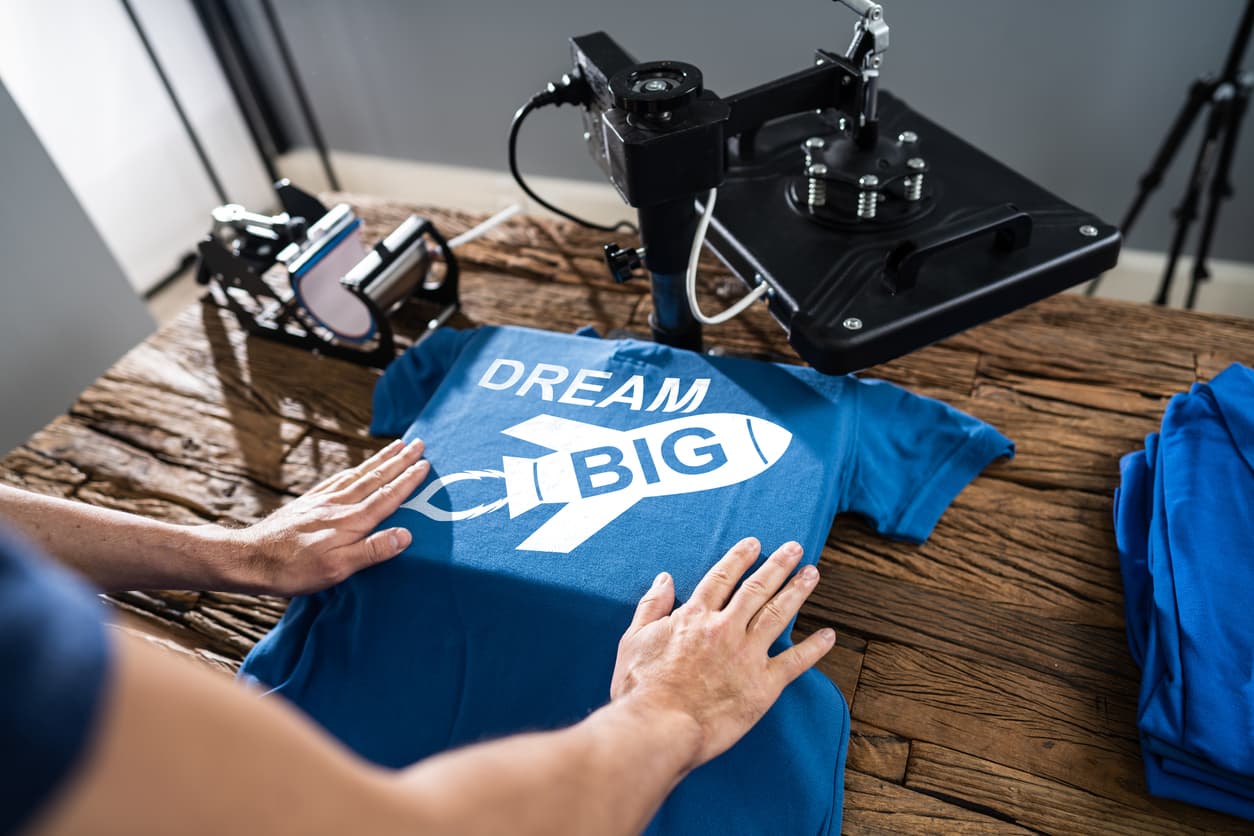
There is a wall that almost every serious print-on-demand seller hits. You start strong, you build momentum, your first 50 or 100 listings go live, and sales start trickling in. So you do the logical thing: you make more designs. But somewhere around listing 150 or 200, things stop feeling exciting and start feeling exhausting.
The culprit is rarely the designs themselves. Most sellers at that stage have a solid design process. They know their niche, they have a rhythm, and the creative side is actually humming along. The bottleneck is almost always mockup creation. Specifically, the soul-crushing repetition of placing each design into a scene, adjusting it, exporting it, renaming it, and doing it all over again for every single listing.
If that sounds familiar, this post is for you. We are going to talk about why mockup creation becomes the ceiling for scaling sellers, how bulk mockup generation changes the math entirely, and what your workflow could look like when you stop treating every listing as a manual one-off project.
Why Mockup Creation Becomes the Scaling Bottleneck
Most sellers do not realize mockups are slowing them down until they are already deep in the problem. When you have 20 listings, spending 10 or 15 minutes per listing on mockup creation feels totally fine. It is a small part of your day and you barely notice it. But the math changes dramatically as your catalog grows.
The Hidden Time Tax on Every New Listing
Let's put some real numbers on this. Say you spend an average of 12 minutes creating mockups for each new listing. That includes opening your editing tool, placing your design, maybe tweaking the scale or position, exporting the file, and organizing it so you can actually find it later.
At 10 new listings a week, that is 2 hours of mockup work. Not terrible. But if you want to publish 30 or 40 new designs a week to grow your catalog fast, you are suddenly looking at 6 to 8 hours of mockup creation alone. That is a full workday spent on one task that has almost nothing to do with design creativity or business strategy.
For a one-person shop, that is not sustainable. Something has to give, and usually it is either your output volume or your sanity.
Why Listing Volume Actually Matters for Etsy and Shopify Growth
Here is the thing that makes the mockup bottleneck so frustrating: listing volume is one of the most reliable growth levers in print-on-demand. More listings mean more surface area for Etsy search to find you. More products mean more chances to match a buyer's specific search intent. More catalog depth signals to shoppers that you run a real, professional shop worth trusting.
Studies of successful Etsy print-on-demand shops consistently show that sellers who break through to steady five-figure monthly revenue tend to have catalogs of 300, 500, or even 1000 listings. Getting there requires consistent, high-volume publishing over time. And consistent high-volume publishing requires a mockup process that does not eat your entire week.
The sellers who figure out how to get mockup creation out of their way are the ones who scale. The sellers who keep doing it manually one by one tend to plateau and burn out.
Takeaway: Count the actual minutes you spend on mockups this week. Multiply by four. That monthly number is the time cost you are paying for your current process. If it feels too high, it probably is.
What Bulk Mockup Generation Actually Means
The phrase gets thrown around a lot, so it is worth being precise about what it actually involves and why it is different from just having a faster one-at-a-time workflow.
Batch Processing vs. One-at-a-Time
Bulk mockup generation means you can take a folder of design files and run them all through a set of mockup templates simultaneously, outputting a finished, export-ready image for each one without having to manually open, place, and export each file individually.
The difference in practice is enormous. Instead of spending 12 minutes per listing, you might spend 12 minutes setting up a batch job and then letting the tool do the work while you go do something else. The per-listing time cost collapses to almost nothing.
This is not just a speed improvement. It is a category shift in how you think about launching new designs. When mockup creation is a 30-second per-listing task rather than a 12-minute one, you stop avoiding it. You stop batching your listings into big stressful upload days. You can publish designs almost as fast as you create them.
Template Consistency as a Hidden Benefit
One underrated advantage of bulk generation is consistency. When you process 40 designs through the same template in one batch, every single listing gets an identical presentation style. The same scene, the same lighting, the same composition. That kind of visual consistency makes your shop look curated and professional in a way that is genuinely hard to achieve when you are manually placing designs one by one.
Shopper psychology responds to this. A cohesive shop gallery signals quality. It makes buyers feel confident they are dealing with a seller who takes their craft seriously. That confidence translates directly into conversion rate.
Mockupanda was built specifically around this insight. Fast bulk generation and template consistency were core design goals from day one, because those are the two things that actually move the needle for high-volume sellers.
Takeaway: Before you evaluate any mockup tool, ask yourself two questions: can it batch process multiple designs at once, and does it maintain visual consistency across the batch? If the answer to either is no, it is not built for scale.
How Scaling Sellers Actually Structure Their Mockup Workflow
Knowing that bulk generation exists is one thing. Building a workflow around it that actually saves you time is another. Here is how sellers who are successfully operating at 300 or 500 or 1000 listings typically structure things.
Design Day, Batch Day, Upload Day
The most effective scaled workflow separates design creation from mockup creation from listing publishing into distinct sessions. This sounds obvious but it runs counter to how most sellers start out, where every listing is a little end-to-end project.
On design days, you focus purely on creating and exporting your design files. No mockups, no listing prep. Just designs, saved to a clearly named folder.
On batch days, you run your accumulated design folder through your mockup tool and generate all your images at once. With a bulk generation setup, this might take 20 or 30 minutes for 40 designs.
On upload days, you build out your actual listings using the pre-made mockup images.
This structure lets you stay in a creative flow state during design work without constantly context-switching into production mode. It also lets you publish at a pace that would be completely impossible if you were doing everything manually and sequentially.
Building a Mockup Template Library by Category
Sellers who scale efficiently tend to invest time upfront in building a small library of go-to mockup templates organized by product category. You might have a set of frames-on-white-wall templates for your art prints, a set of lifestyle room scene templates for your home decor designs, and a set of flat-lay templates for items that photograph well that way.
When a new design is ready, you already know exactly which template set it belongs to. You drop it into the right batch job and move on. No decision fatigue, no time spent hunting for the right scene.
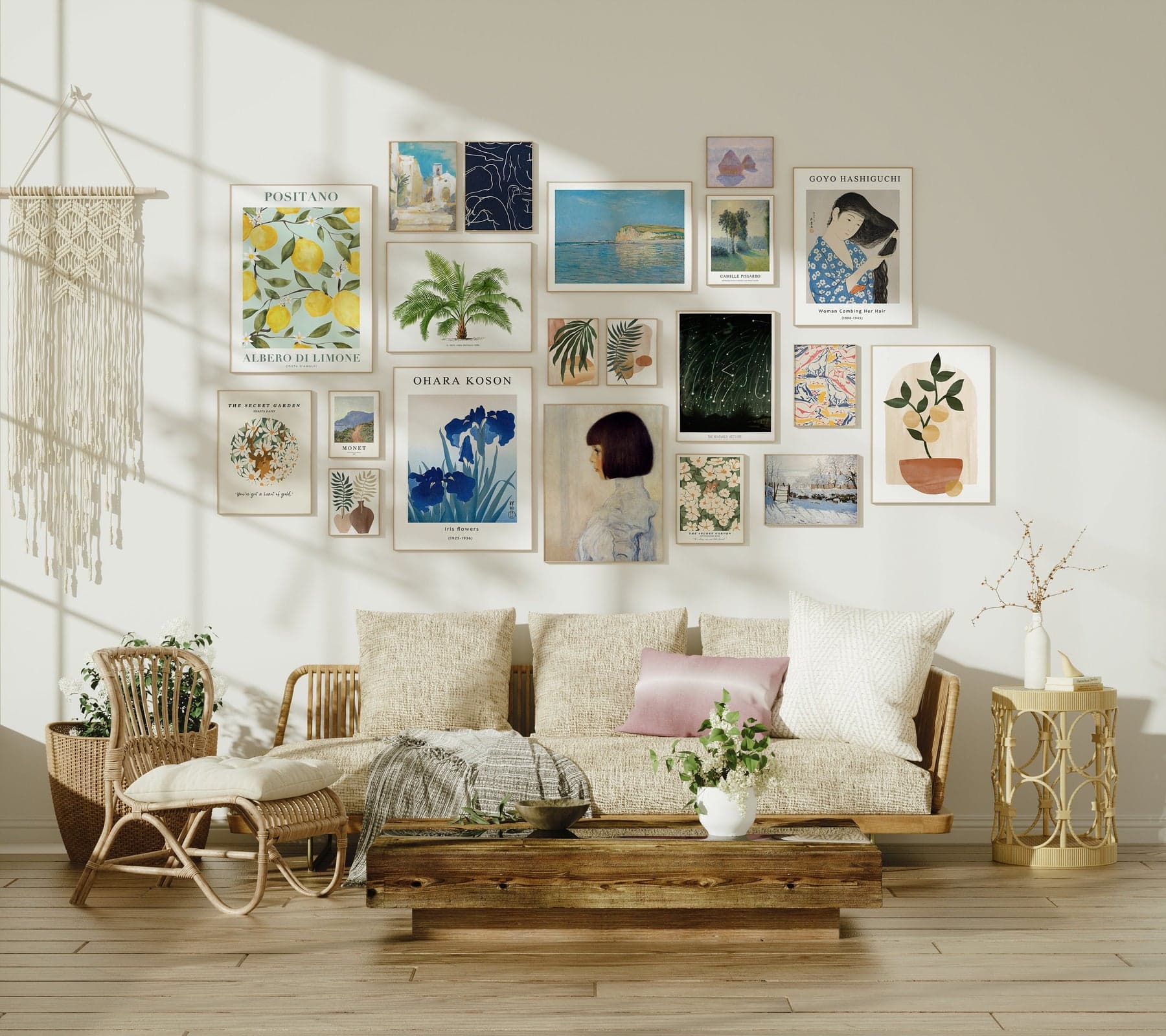
A tool like the mockup generator at Mockupanda supports exactly this kind of template library approach, which is one of the reasons it resonates with sellers who are serious about building systems rather than just surviving each upload day.
Takeaway: Block out a few hours to build your template categories before you try to scale. Knowing which template each design belongs to before you sit down to batch is what makes bulk generation genuinely fast instead of just theoretically fast.
The Pricing and Revenue Case for Better Mockups
Scaling is not only about listing volume. It is also about what each listing earns. And this is where mockup quality has a direct and measurable impact on your bottom line.
How Presentation Justifies Higher Prices
Etsy and Shopify buyers cannot hold your product before they buy it. They cannot feel the paper quality of your print or see the true colors with their own eyes. All they have is your listing images. Your mockups are doing the selling work that the physical product would do in a retail setting.
When your mockups are professional, aspirational, and styled in a way that helps buyers picture the product in their own home, you can charge more. Not a little more. Significantly more. Sellers who upgrade from flat, basic mockups to lifestyle-styled, professional scenes routinely report being able to increase prices by 20 to 40 percent without a meaningful drop in conversion rate.
That price increase compounds across your entire catalog. If you have 300 listings and you increase the average price by $3, that is $900 in additional revenue for every 300 sales. Multiply that across a high-volume shop and you are talking about a genuine income shift driven almost entirely by presentation.
Conversion Rate as the Multiplier on Your Traffic
Listings do not just generate revenue through price. They generate revenue through the combination of traffic and conversion. Etsy can send a thousand browsers to your listing, but if your mockup does not make people want to click and then want to buy, that traffic does not turn into money.
Professional mockups improve click-through rates from search results because your thumbnail looks more compelling than the competition. They improve on-listing conversion rates because the product looks like something worth owning. Both of those improvements stack multiplicatively on top of each other.
The seller who has 300 listings with excellent mockups is not just generating 3x the revenue of the seller with 100 listings and mediocre mockups. They might be generating 6x or 8x, because the mockup quality is also improving the revenue efficiency of every listing.
Takeaway: Do the math on your own shop. Pick a product, improve the mockup, and run it for 30 days against your previous performance. The conversion rate data will tell you exactly how much money you have been leaving on the table with your current presentation.
Choosing the Right Tool for Bulk Mockup Generation
Not every mockup tool is built with high-volume sellers in mind. Many of the popular options are designed for general use cases, which means they are fine for small-scale work but start showing their limitations when you need to process 50 designs in an afternoon.
What to Look for in a Bulk-Capable Tool
When you are evaluating tools for a scaled print-on-demand workflow, these are the capabilities that actually matter:
True batch processing means you can queue multiple designs at once and get multiple outputs without manual intervention for each one. Some tools call themselves bulk tools but still require you to confirm or adjust each image individually, which defeats the purpose.
Design-file compatibility matters more than you might expect. Your designs probably live in PNG or JPG format, and the tool needs to handle those cleanly without requiring you to convert or reformat files before importing.
Output organization is underrated. A good bulk tool gives you clearly named, organized output files that are ready to use without renaming or sorting. Getting 40 unnamed files dumped into a folder is not actually saving you time.
Print-on-demand specific templates mean the scenes were designed with the products you actually sell in mind. Frames, canvases, art prints, posters. Generic lifestyle mockups often look slightly off for these product categories because they were not built with them as the primary use case.
Why a Focused Tool Beats a General One
The broader a mockup tool tries to be, the less optimized it tends to be for any specific use case. A tool that tries to serve product photographers, brand designers, social media managers, and print-on-demand sellers simultaneously ends up making compromises that affect all of them.
A tool built specifically for print-on-demand sellers, by someone who understands that workflow intimately, tends to make different design decisions. The templates are right. The batch flow makes sense. The pricing is calibrated to what a seller's budget actually looks like, not what an agency's budget looks like.
This is the exact philosophy behind Mockupanda. It was built by Federico, a product designer who got genuinely frustrated with the existing options and decided to build something purpose-fitted to the print-on-demand seller's reality. That context shapes every design decision in the product.
Takeaway: Trial multiple tools before committing, but prioritize batch speed, output organization, and template quality over feature lists. A tool with fewer features that is genuinely fast at the core task will serve you better than a feature-rich tool that still requires manual intervention at every step.
Building Systems That Let You Scale Without Burning Out
Everything we have covered so far is about tools and tactics. But the real unlock for scaling past 200 listings is not any single tool. It is the mindset shift from treating your shop as a series of individual projects to treating it as a system with repeatable processes.
Documenting Your Workflow So It Can Run Without You
Once you have a bulk mockup workflow that is working, write it down. Literally create a simple document or checklist that describes exactly what happens from the moment a new design file is finished to the moment the listing goes live. Which folder does the design go into, which template batch does it get run through, where do the output files get saved, what gets renamed and how.
This documentation serves two purposes. First, it forces you to optimize and standardize the process because you have to think carefully about each step. Second, it makes the workflow something you could hand off. Maybe right now you are doing everything yourself. But at some point you might want to hire a virtual assistant to handle your upload days. A documented, systemized workflow makes that possible.
Scheduling Your Output to Create Predictable Growth
Sellers who scale consistently tend to think in terms of weekly publishing targets rather than occasional bursts of activity. Instead of uploading 40 listings in a weekend rush every few months, they publish 8 to 10 listings every week without fail.
Bulk mockup generation is what makes a steady publishing cadence possible. When your mockup creation for 10 listings takes 15 minutes instead of 2 hours, building it into your weekly routine is easy. It becomes a Tuesday afternoon task rather than a weekend project.
Consistency of output also signals positively to Etsy's algorithm. Regular new listings mean regular indexing activity. That tends to improve the overall visibility of your shop, including for older listings, because the platform sees your shop as active and growing.
Takeaway: Set a weekly listing target that feels slightly uncomfortable but achievable, then build your workflow around hitting it every week for 90 days. The compounding effect of consistent publishing on a catalog that scales is one of the most reliable growth strategies in print-on-demand.
Making the Jump
If you are sitting at 100 or 150 listings and feel like you are working hard but not moving forward, the first thing to do is look honestly at where your time is actually going. For most sellers at that stage, mockup creation is eating far more hours than it should.
The solution is not to work more hours. It is to restructure the workflow so that the output per hour improves dramatically. Bulk generation is the core of that restructuring. It is not a marginal improvement. It is a fundamental change in what is possible for a solo seller in a given week.
Sellers who make this shift describe it as the moment their shop stopped feeling like a treadmill and started feeling like something that could actually grow. The designs they already have start performing better because the presentation improves. The new designs get published faster because the mockup process is no longer a choke point. The whole business moves faster with less friction.
If you are ready to see what that feels like, Mockupanda is a good place to start. It was built for exactly this: helping print-on-demand sellers who want to grow fast without spending their lives doing repetitive production work.
Keep reading
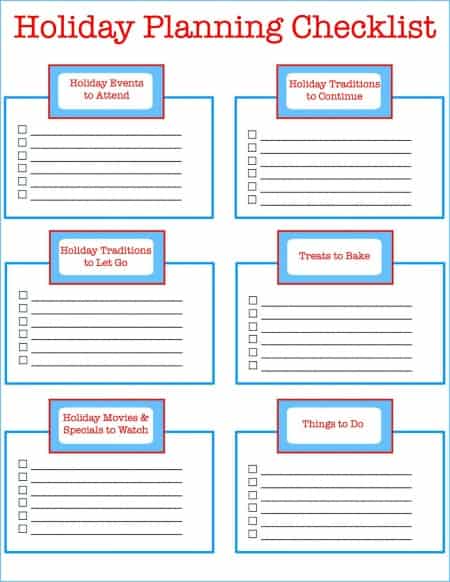
The Batch Mockup Checklist Every Print-on-Demand Seller Needs Before a Holiday Sales Season

How to Use Batch Mockup Generation to Stay Consistent When You Have Multiple Designers Uploading New Artwork to Your Shop