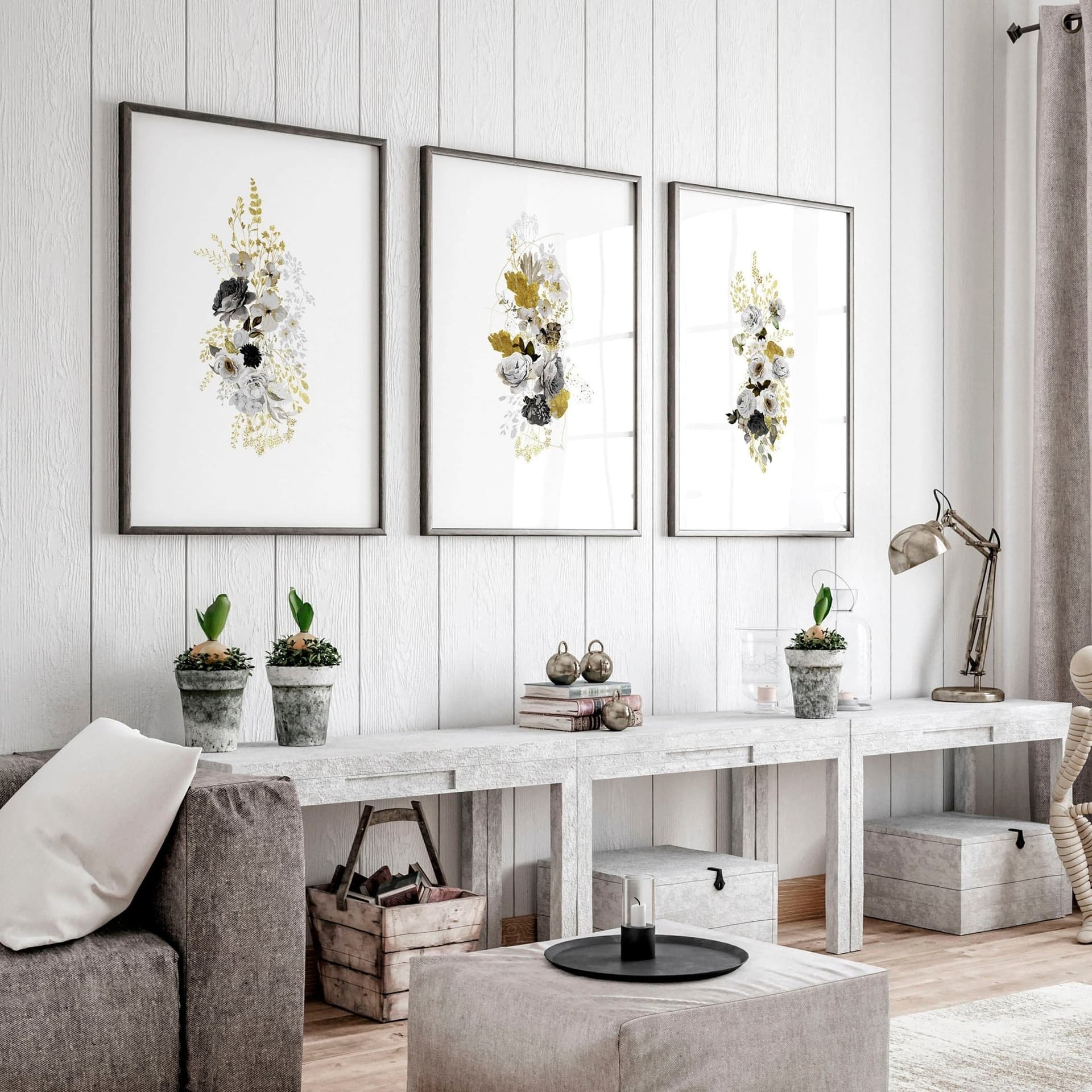
How to Showcase Poster Sets on Etsy Using Gallery Wall Mockup Templates
Selling a poster set on Etsy is a fundamentally different challenge than selling a single print.
With one print, a buyer just needs to imagine it on their wall. With a diptych or triptych, they need to imagine the whole composition, how the pieces relate to each other, how much wall space they'll need, and whether the set feels cohesive enough to justify a higher price tag.
That's a lot of mental work to ask of someone scrolling through search results at 11pm.
The solution is straightforward: show them exactly what it looks like, already hung, already styled, already telling the story you want it to tell. That's what gallery wall mockup templates are built for, and that's exactly what this post is about.
Why Single-Frame Mockups Fail Poster Sets
Before diving into how to do this well, it's worth understanding why the default approach falls short. Most digital print sellers, especially when they're just starting out, default to showing each print in the set individually. One listing photo per piece, maybe a flat lay of all three files together.
It's not wrong exactly. But it's working against you in a few important ways.
Buyers Can't Visualize the Full Composition
A triptych is not three prints. It's one visual experience split across three panels. When you show each panel separately, you're essentially asking your buyer to do the creative assembly in their head before they've even decided to buy.
Some buyers can do that. Most won't bother, especially when there are a hundred other listings in the same search results that show the product more clearly.
Gallery wall mockup templates solve this by letting you place all three (or two, or four) prints into a single composed image where the spatial relationship between them is obvious. The buyer sees the set as a set. That clarity converts.
Individual Mockups Underrepresent the Value
When you're charging $12 to $18 for a single print and $28 to $40 for a three-piece set, you need your listing photos to visually justify that price difference. Showing three individual images doesn't do that. It just looks like three separate cheap things bundled together.
A single, well-composed gallery wall mockup showing all three prints styled together in a beautiful room setting communicates something different entirely. It says: this is a complete, curated thing. It has considered proportions, a deliberate palette, and a finished aesthetic. That's worth more, and the photo proves it.
The Thumbnail Problem
Etsy search results show a thumbnail. One small square. If your first listing photo shows a single isolated print on a white background, that thumbnail does almost nothing to communicate that you're selling a set.
A gallery wall mockup showing all three prints together, hung beautifully on a styled wall, is immediately more eye-catching in that thumbnail. It signals scale, completeness, and style at a glance. That's your first job in Etsy SEO, getting the click. The mockup does that work for you.
Takeaway: Switch your primary listing photo for any multi-piece set to a gallery wall mockup that shows the full composition. That single change can meaningfully improve your click-through rate from search.
Understanding Gallery Wall Mockup Layouts
Not all gallery wall mockups are built the same, and not all of them will work for every set you're selling. Knowing which layout to reach for saves you time and produces better results.
Diptych Layouts: Side-by-Side and Stacked
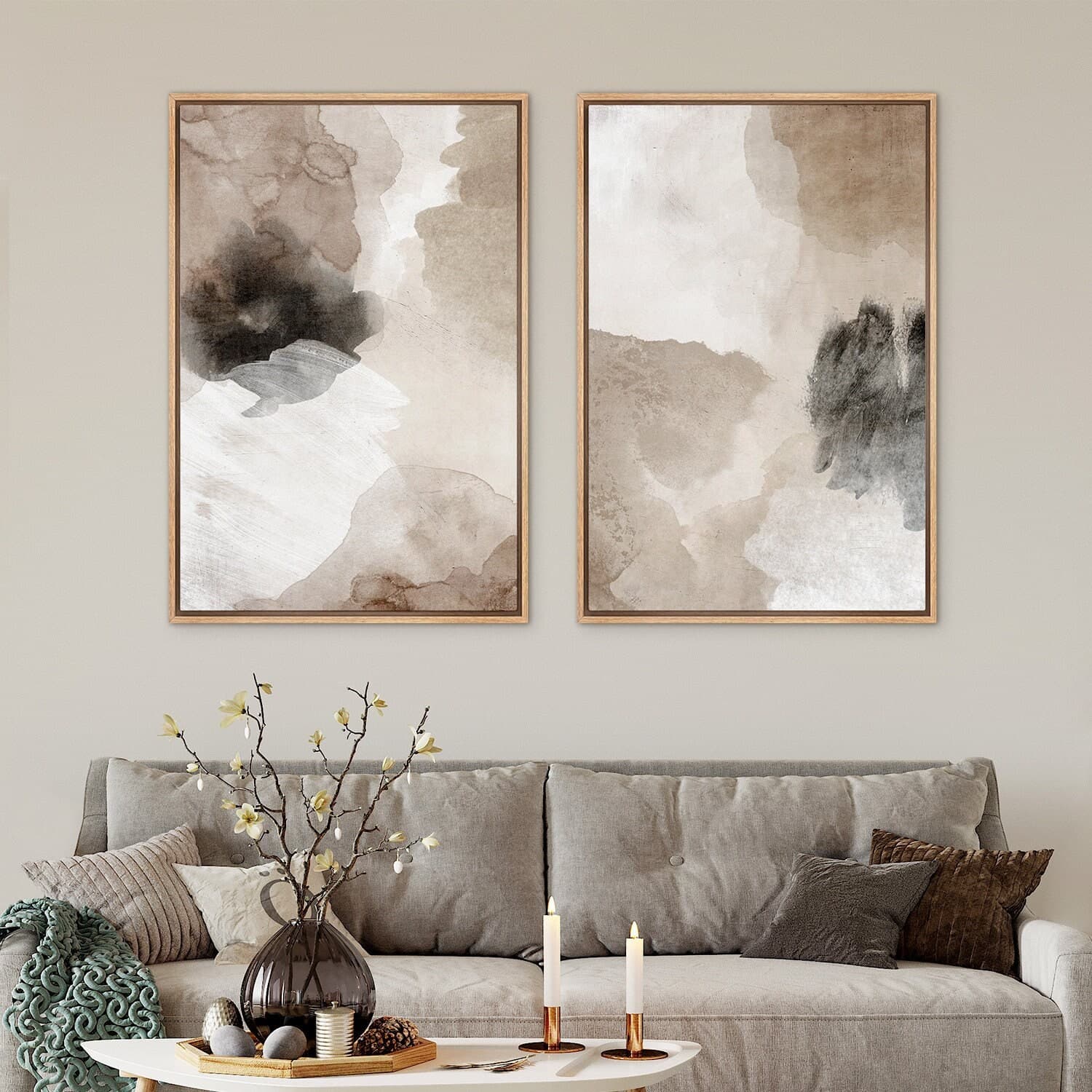
A diptych is two prints meant to be displayed together. The most natural mockup for this is a side-by-side horizontal layout, two frames of equal size with consistent spacing between them. This is clean, readable, and works especially well for landscape-oriented prints or botanical pairs.
For vertical diptychs, a stacked layout, one frame above the other on a narrow wall section, can look striking and modern. This works well in hallway settings or above a console table.
When choosing between these, think about the orientation of your artwork first. If your prints are portrait-oriented, side-by-side almost always looks better. If they're landscape, both options work, but side-by-side tends to create a very wide composition that needs a large wall to not feel cramped in the mockup.
Triptych Layouts: Linear, Cascading, and Mixed
Triptychs have more layout options, and the choice you make communicates something about the artwork itself.
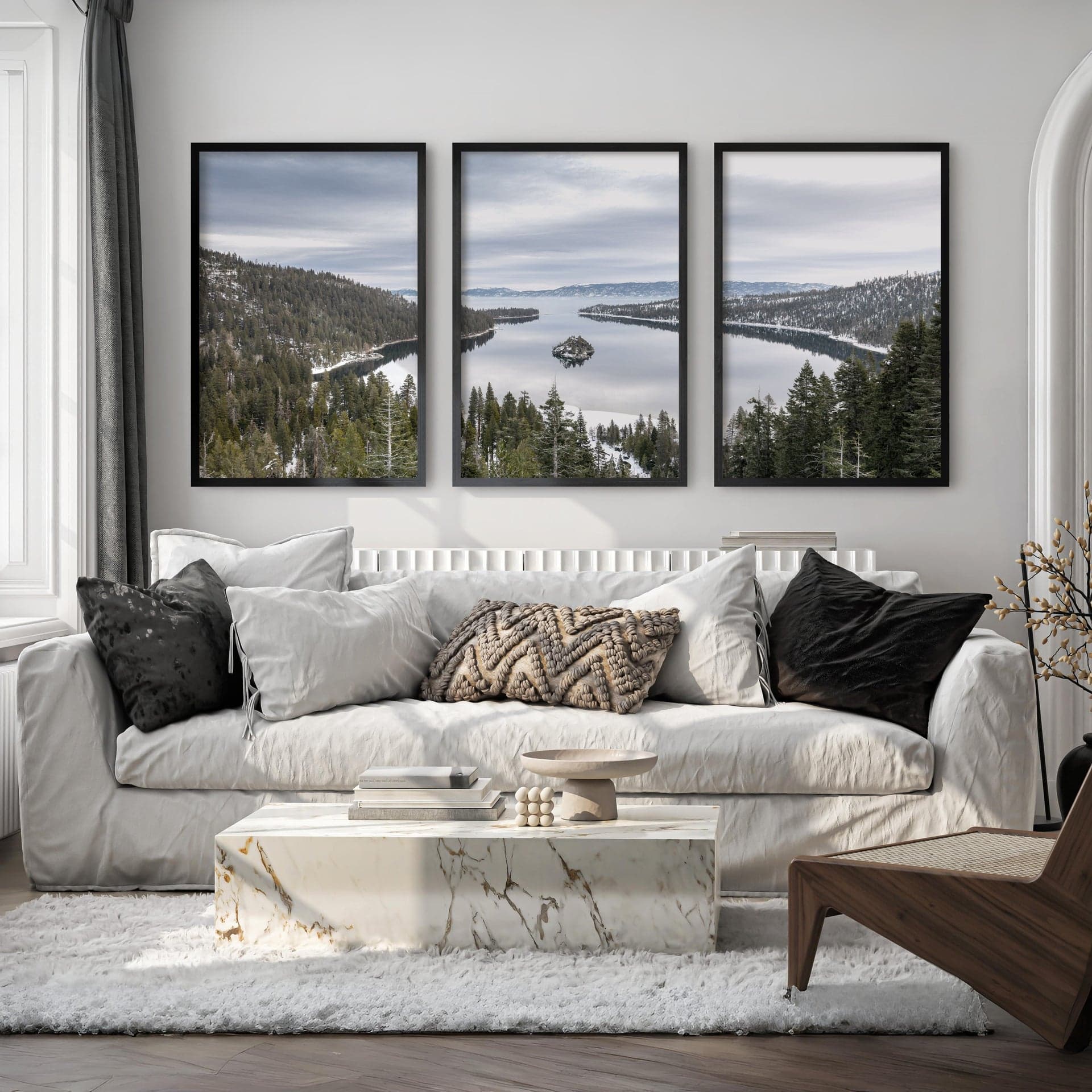
A linear three-across layout is the most classic. All three frames in a row, same size, even spacing. This works well for prints that form a panoramic composition when placed together, like a continuous mountain range or an abstract color block series.
A cascading layout staggers the frames at slightly different heights, creating visual movement. This suits sets where the pieces are related but independent rather than forming a single unified image. Think a plant print trio or a set of three city illustrations.
A mixed-size layout, where the center print is larger and flanked by two smaller ones, works well for sets where you want one print to act as a focal point. This is a popular format for bedroom gallery walls over a headboard.
Mockupanda's wall art gallery mockup templates cover all of these layouts, which means you're not stuck trying to force a panoramic triptych into a template designed for independent prints.
Larger Sets: Four, Five, and Six-Piece Collections
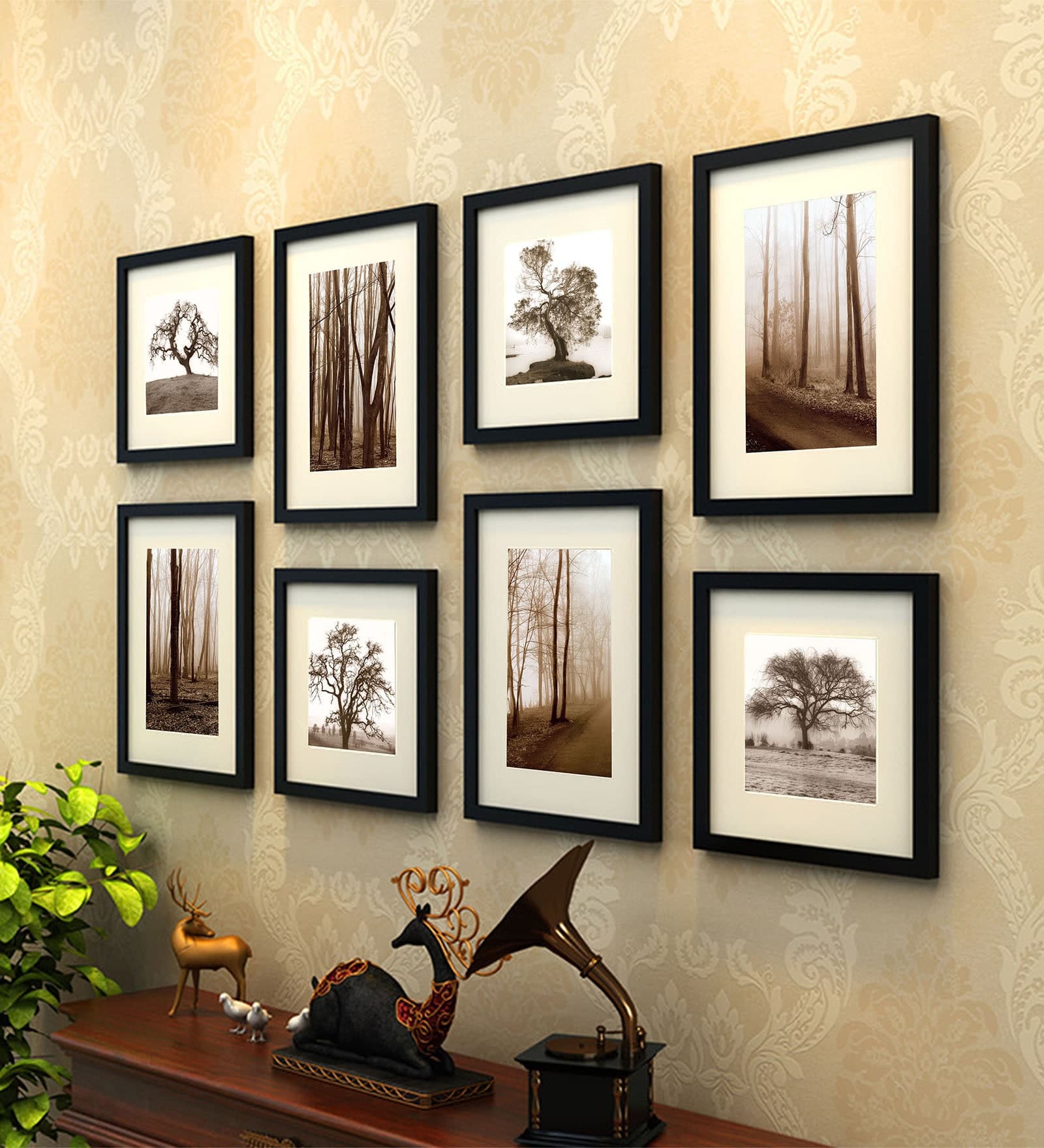
If you're selling larger sets, the composition becomes even more important to get right. A four-piece set displayed as a 2x2 grid reads as very structured and modern. A five-piece salon-style arrangement looks eclectic and collected. A six-piece set in two rows of three can look either rigid or intentional depending on the spacing and the room context.
For these larger sets, the room setting in the mockup matters more than it does for a simple diptych. A 2x2 grid of abstract prints over a mid-century modern sofa looks like a lifestyle. The same grid floating on a plain background just looks like four products.
Takeaway: Match your mockup layout to the intended display format of your set. A panoramic triptych needs a linear layout. A curated collection of related but independent prints looks better in a staggered or salon arrangement. Let the artwork drive the template choice.
How to Use Mockupanda to Generate Gallery Wall Mockups
Now for the practical part. Here's how the actual workflow looks when you're using Mockupanda to build out your poster set listing photos.
Preparing Your Artwork Files
Before you upload anything, get your files in order. For a triptych, you'll need each of the three panels as a separate file, ideally at the correct aspect ratio for the frame in the mockup template. Mockupanda handles the placement automatically, so you don't need to be precise to the pixel, but having clean, properly cropped files makes the output look its best.
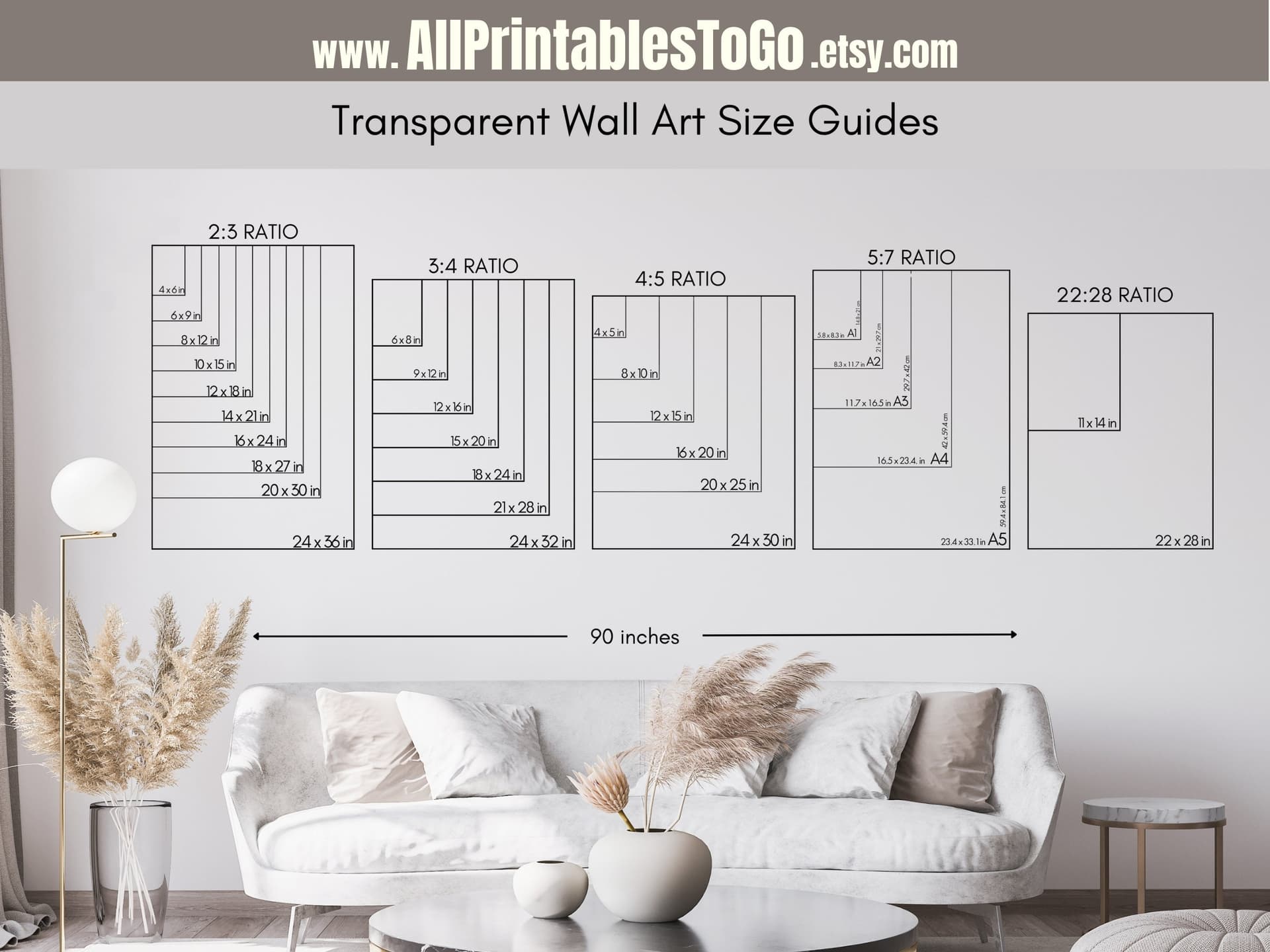
For print-on-demand sets, you're usually working with standard sizes: 8x10, 5x7, 4x6, or A-series if you're selling internationally. Make sure you know which size your customer will be printing before you pick a mockup template, because a template designed for square frames will distort rectangular artwork if the proportions don't match.
If your set includes prints at different sizes, such as a large center print and two smaller flanking prints, prepare each at the correct aspect ratio for its frame in the template. Mockupanda makes this clear in the template previews.
Uploading and Placing Your Prints
Once your files are ready, the upload process in Mockupanda is straightforward. You select the gallery wall template you want, upload each file into its corresponding placeholder, and the tool places it automatically. No manual masking, no layer shuffling, no perspective transformations to do by hand.
For bulk generation, this is where Mockupanda becomes genuinely useful. If you're launching a collection of six different triptych sets, all formatted at the same size, you can run them through the same template in bulk and get consistent, on-brand listing photos across the entire collection in a fraction of the time it would take in Photoshop or Canva.
The consistency piece matters more than it might seem. When a buyer clicks through to your shop and sees twelve listings that all have the same visual style, same framing, same room aesthetic, your shop looks like a real business. That builds trust, which builds sales.
Adding Text Overlays for Multi-Listing Disambiguation
One underused feature when listing poster sets is text overlays on your mockup images. When you're selling a diptych, a triptych, and a five-piece version of the same print series as separate listings, buyers can get confused about what they're looking at.
Mockupanda's text overlay feature lets you add a simple label directly onto the mockup image, something like "Set of 3" or "Triptych" in a clean font that matches your brand aesthetic. This tiny addition eliminates ambiguity immediately. The buyer knows exactly what they're getting before they even read the title.
You can also use text overlays to add your shop name or a subtle watermark to the mockup, which helps with brand recognition when your images get shared on Pinterest or saved to someone's phone.
Takeaway: Use bulk generation in Mockupanda to keep your collection visually consistent, and add a simple text overlay to each set listing so buyers immediately understand what the set includes without having to read the description.
Building a Complete Listing Photo Set for a Poster Set
A single gallery wall mockup is a strong start, but a complete Etsy listing for a poster set should have at least five to eight photos that each answer a specific question the buyer has.
Photo One: The Hero Gallery Wall Shot
This is your gallery wall mockup with all prints in the set displayed together in a styled room. This is the thumbnail photo, the one doing the conversion work in search results. It should show the set in context, hung in a space that reflects your target buyer's taste.
For Scandinavian-style minimal prints, this might be a white wall with light oak flooring and a simple linen couch in the frame. For maximalist botanical art, it might be a moody dark-green wall above a rattan chair. The room doesn't have to be elaborate. It just needs to feel like a real space your buyer might actually have.
Photos Two and Three: Individual Close-Up Mockups
After the hero shot, buyers want to zoom in. Show each print individually in a single-frame mockup so they can see the detail, color accuracy, and texture of the artwork without it being small in a wide shot.
This is also where you answer the "what does the paper look like" question. A mockup that shows the print in a frame with a slight paper texture visible, or close enough to show the fine art print quality, builds confidence in the product before the buyer gets to the description.
Photos Four and Five: Scale Reference and Size Comparison
One of the biggest hesitations with buying wall art online is not knowing how large it will actually look on the wall. A mockup that includes recognizable furniture, a sofa, a bed, a doorframe, gives buyers an instant scale reference.
If you're offering the same set in multiple size options, a side-by-side size comparison mockup is extremely helpful. Show the same wall with a small set on the left and a large set on the right, with measurements labeled. This removes a common pre-purchase anxiety and reduces the chance of a disappointed buyer requesting a refund because it was smaller than expected.
Takeaway: Build a listing photo sequence that moves from the full gallery wall hero shot, to close-up detail, to scale reference. Each photo should answer the next question in your buyer's mind.
Pricing and Positioning Your Poster Sets With Better Mockups
There's a direct relationship between how professional your listing photos look and how much you can charge. This isn't just intuition. It's how perceived value works in e-commerce.
How Mockup Quality Affects Price Anchoring
When a buyer sees a triptych presented in a beautiful, styled gallery wall mockup in a real-looking room, their brain immediately assigns it a price range based on comparisons to interior design photography they've seen in magazines, on Pinterest, or in furniture stores. That price range is usually higher than what you're actually charging.
That gap between perceived value and actual price is what makes someone click "add to cart" quickly, before they overthink it. A flat, bare mockup on a white background doesn't create that gap. It just looks like a digital file, which feels like it should cost almost nothing.
By investing five minutes in generating a proper gallery wall mockup, you're not just making your listing look nicer. You're repositioning your product in the buyer's mental pricing framework.
Building Collections Around Gallery Wall Templates
If you're designing new products, it's worth thinking backwards from the mockup. If you know you have a strong three-across linear gallery wall template in Mockupanda that looks incredible, design a set that uses it well. A panoramic abstract that splits naturally across three equal panels. A continuous coastline illustration. A color-blocked trio where the hues shift across the three prints.
The mockup becomes part of your product development process rather than just an afterthought at the end. The sets you design to look good in a gallery mockup will be the ones that perform best on Etsy, because the listing photo will communicate exactly what the product is before a buyer has to do any imagining.
Takeaway: Use your mockup quality as a deliberate pricing lever. If you're selling a triptych set for under $20, a gallery wall mockup showing it in a beautiful styled room will make that price feel like a steal. If you're selling premium large-format sets, the same approach makes the higher price feel fully justified.
Common Mistakes to Avoid When Mocking Up Poster Sets
Even with the right tools, a few consistent mistakes can undermine the quality of your gallery wall mockups. Here's what to watch for.
Mismatched Frame Styles and Print Aesthetics
If you're selling a rustic, warm-toned botanical illustration and you drop it into a template with thin black metal frames in a ultra-modern minimalist room, something will feel off to the buyer even if they can't name it. The frame style should reinforce the aesthetic of the print.
Warm prints generally look better in natural wood or antique gold frames. Clean, graphic, modern designs suit thin black or white frames. Maximalist or eclectic art can take ornate frames. Mockupanda has a range of gallery wall templates that cover these different aesthetics, so spend a moment picking the template that feels like the right world for your specific artwork.
Ignoring Spacing and Proportion
In a real gallery wall, the spacing between frames matters enormously. Too tight and it looks cluttered. Too far apart and the set stops reading as a set. The best gallery wall mockup templates handle this for you by using proportions that professional interior designers actually recommend, typically two to four inches between frames depending on their size.
When you're using a template in Mockupanda, trust the spacing built into the template. Don't try to cram artwork into a template designed for different proportions, and don't stretch your files to fill a frame if they're the wrong aspect ratio. A small black or white mat in the frame is almost always better than a distorted image.
Only Using One Mockup Per Listing
This comes back to the listing photo sequence covered earlier. One beautiful gallery wall mockup is not enough. Buyers need to see the detail, the scale, and the individual prints up close. Sellers who use five to eight photos consistently outperform those who use one or two, because they answer more questions and reduce more hesitation before the purchase decision.
Takeaway: Match your frame style to your print aesthetic, respect the proportions built into the template, and always build a full listing photo set rather than relying on a single hero image.
Final Thoughts
Selling poster sets on Etsy is one of the better opportunities in the digital print space right now. Buyers are actively searching for coordinated wall art, not just individual prints, because they want the styling done for them. Your job is to show them that your set is already styled, already considered, and already exactly what their wall is missing.
Gallery wall mockup templates in Mockupanda exist precisely for this. They take the friction out of presenting multi-piece sets professionally, without requiring design software skills or hours of manual editing. You get consistent, beautiful, conversion-optimized listing photos that make your sets look like they belong in a home décor magazine.
If you're currently showing a diptych or triptych through individual flat mockups and wondering why it's not converting as well as your single prints, try switching to a gallery wall mockup this week. The difference in how your set is perceived, and how it sells, is often immediate.
Keep reading
How to Choose the Right Mockup Style for Your Etsy Niche: Boho, Minimalist, Maximalist, and More
How to Use Lifestyle Mockups to Sell Abstract Art to Buyers Who 'Don't Get It' Yet