How to Create 50 Product Mockups in Under 10 Minutes for Your Etsy Shop

If you've ever spent a Saturday afternoon creating mockups for a new collection, you already know the pain. You drag one design into Photoshop, adjust the smart object, export, rename the file, move on to the next one. Repeat 49 more times. By the time you're done, half the day is gone and you haven't even written your listing descriptions yet.
This is the reality for most Etsy sellers running a print-on-demand or digital print shop. Mockup creation is one of those tasks that feels productive because you're making something, but it's mostly repetitive busywork. And when every listing needs five to eight mockup images to compete in a crowded marketplace, the math gets brutal fast.
The good news is that with the right workflow and tools built specifically for this kind of work, 50 mockups in under 10 minutes is genuinely achievable. Not a marketing claim. A repeatable process. This guide walks you through exactly how to do it.
Why Your Mockup Workflow Is Probably Costing You More Than You Think
Before getting into the how, it's worth spending a moment on the why. Most sellers dramatically underestimate how much time their mockup process actually eats.
The Hidden Time Cost of Manual Mockup Creation
Let's do some honest math. If you're using Photoshop or a free mockup PSD, a conservative estimate for creating one polished mockup is about three to five minutes. That includes opening the file, placing your artwork, adjusting colors or shadows if needed, exporting at the right resolution, and naming the file properly.
For a shop with 20 active listings, each needing five mockup images, that's 100 mockups. At four minutes each, you're looking at nearly seven hours of work. And that's before you account for the time spent hunting down good mockup files, dealing with slow software, or re-exporting when something looks off.
Now imagine you want to launch a seasonal collection or refresh your listings for the holidays. The bottleneck isn't your design ideas. It's the mockup production pipeline.
Why Generic Tools Don't Solve the Problem
You might be thinking, "I already use Canva" or "I found some free mockup websites." Those tools help, but they weren't built with your specific workflow in mind. Generic design tools are designed for everyone, which means they're optimized for no one in particular.
For digital print sellers on Etsy, the workflow is very specific. You have a finished artwork file. You need it placed into a realistic lifestyle or product scene. You need to do this repeatedly across multiple scenes or frame styles. You need the output to be high resolution. And you need it done fast.
Free mockup sites often have watermarks, low resolution exports, or strict limits on how many mockups you can create per month. Photoshop is powerful but slow for repetitive work. Neither solution was built around the way print-on-demand sellers actually operate.
Actionable takeaway: Track your time the next time you create mockups for a new listing set. Be honest about every minute spent, including file management and exporting. Once you see the real number, the case for a better workflow becomes obvious.
Understanding Bulk Mockup Generation
Bulk mockup generation is exactly what it sounds like. Instead of processing one design at a time, you feed multiple designs into a tool and let it produce all the mockup variations automatically. The results come out ready to upload.
How Bulk Processing Actually Works
The core idea is simple. You have a set of artwork files, and you have a set of mockup templates. A bulk generation tool takes each artwork file and places it into each template, then exports every combination. If you have 10 designs and 5 templates, that's 50 finished mockup images produced in a single batch run.
The key is that the tool handles all the repetitive steps automatically. Scaling the artwork to fit the template, blending it into the scene so it looks realistic, applying any shadow or texture overlays, and exporting at the correct resolution. You set the parameters once, and the tool does the rest.
This is fundamentally different from doing things one at a time in Photoshop, even if you're using actions or batch scripts. A purpose-built tool for this specific workflow will be dramatically faster and require far less technical knowledge to operate.
What Makes a Good Mockup for Etsy Listings
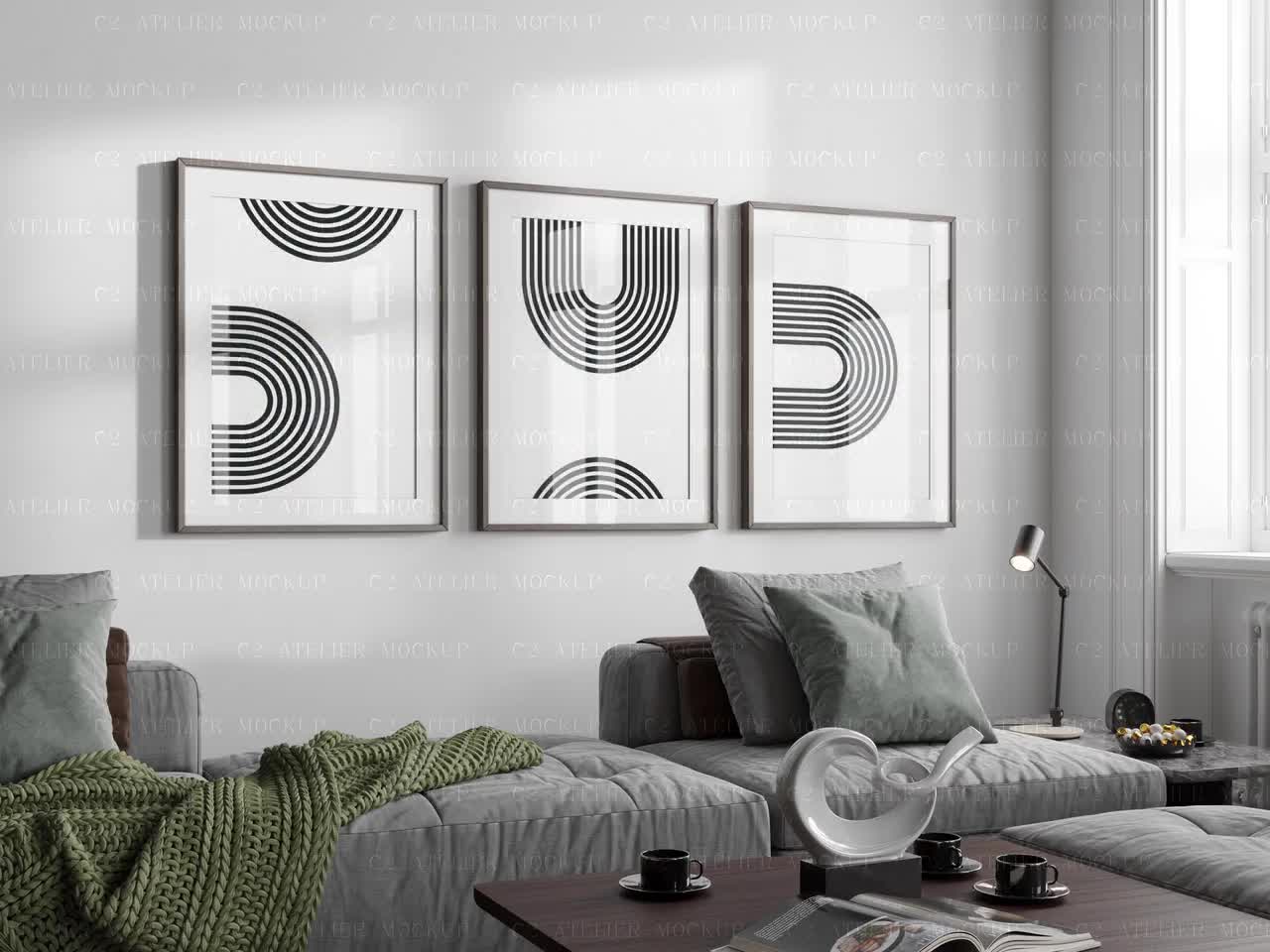
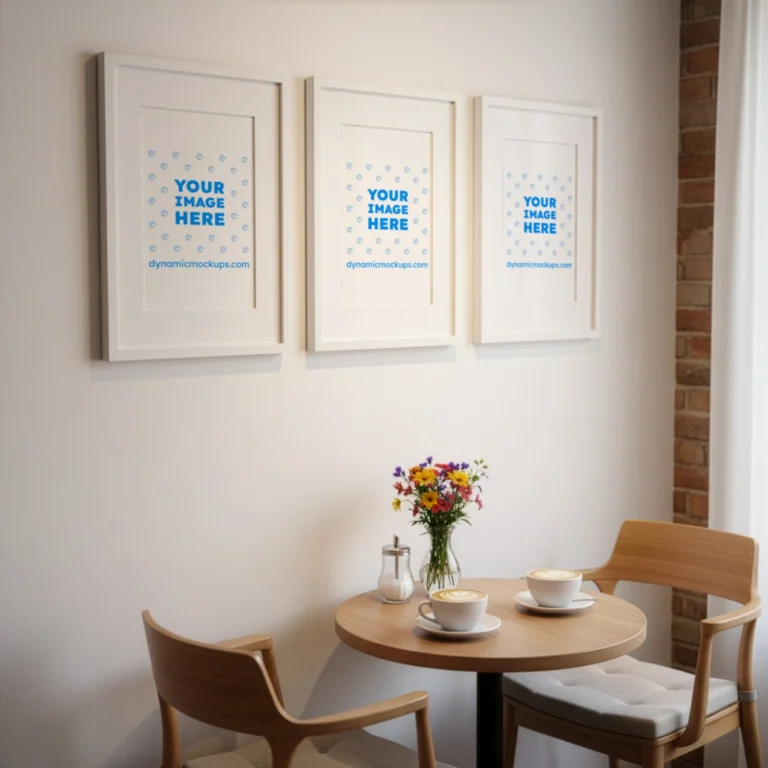
Before you start generating 50 mockups, it helps to know what you're aiming for. Etsy shoppers make buying decisions based heavily on how a product looks in context. A bare design on a white background tells them very little. A framed print hanging in a warm, well-decorated living room tells them exactly how it will feel in their home.
Good Etsy mockups have a few things in common. The artwork is clearly visible and fills the product frame properly without distortion. The scene looks realistic and aspirational without being overdone. The lighting is consistent. The overall image feels like something you'd see in a well-run home decor brand's catalog.
For digital prints and wall art specifically, lifestyle scenes in living rooms, bedrooms, nurseries, and home offices tend to perform well. Clean, minimal aesthetics with natural light work across a wide range of art styles. If you're selling bold, colorful prints, you want mockup scenes that have enough neutral space to let the artwork pop.
Actionable takeaway: Before building your bulk workflow, decide on three to five mockup templates that represent your brand aesthetic and your target buyer's home. These become your core template set, and every design you create gets run through all of them automatically.
Setting Up Your 10-Minute Workflow
Now for the practical part. Here's how to structure a workflow that gets 50 mockups done in under 10 minutes, using a tool like Mockupanda that was built specifically for this use case.
Prepare Your Artwork Files the Right Way
The fastest mockup workflow in the world still requires well-prepared input files. If your artwork files are inconsistently sized, in the wrong format, or named chaotically, you'll lose time on the front end.
Here's what to standardize. Export all your artwork as high-resolution PNG files, ideally at 300 DPI at the print size you're targeting. Name your files with a consistent, descriptive convention, for example: botanicalprint-sage-8x10.png. Keep all the files for one batch in a single folder on your computer so uploading is fast.
For print-on-demand sellers, your artwork is probably already in good shape since it needs to be high resolution for printing anyway. The main thing to check is that your file dimensions match the aspect ratio of the mockup templates you're using. A square mockup frame will crop a portrait-oriented artwork unless you account for it.
If you're generating mockups for multiple product sizes, such as 5x7, 8x10, and 11x14 prints, it's worth organizing your files into subfolders by size before you start. This way you can run separate batches for each size and keep your outputs organized.
Using Mockupanda for Bulk Generation
Mockupanda was built by Federico, a product designer who ran into the exact same frustrations described above. The tool is designed specifically for Etsy and print-on-demand sellers, which means the interface and feature set match your actual workflow rather than a generic use case.
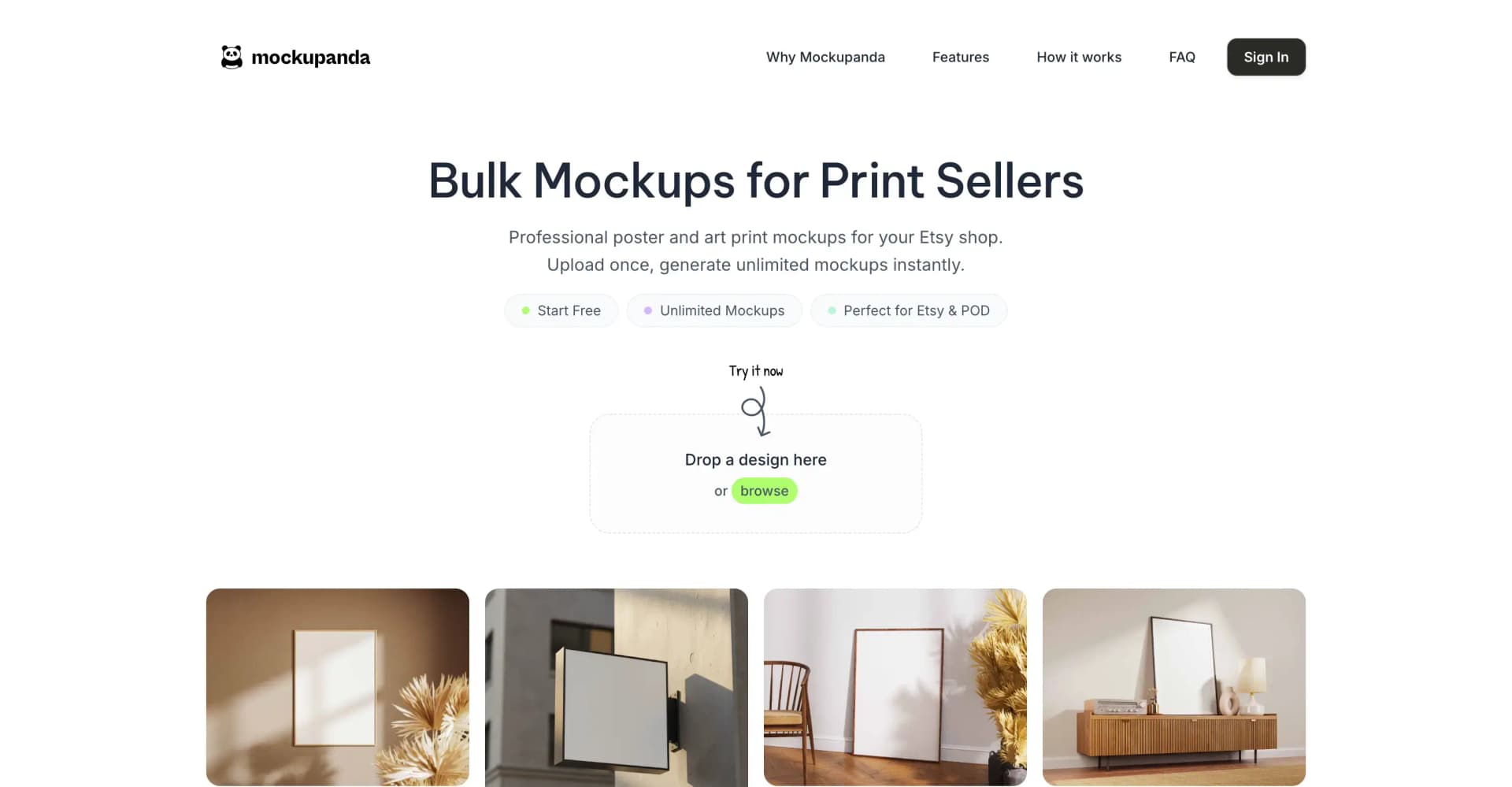
The bulk mockup process in Mockupanda works like this. You upload your artwork files, select the mockup templates you want to use, and let the tool generate every combination. For a batch of 10 designs across 5 templates, you upload 10 files, select 5 templates, and within a couple of minutes you have 50 finished mockup images ready to download.
The tool handles the placement, scaling, and blending automatically. You don't need to know anything about Photoshop smart objects or layer masks. The output files are named consistently and exported at the resolution Etsy recommends for listing images.
If you want more control, you can adjust individual mockups or apply text overlays for promotional images. But for standard bulk generation, the default settings are dialed in for print-on-demand products specifically.
The Actual 10-Minute Process, Step by Step
Here's how the timing breaks down in practice.
Minutes one and two: Organize your artwork folder. Make sure all files are named, sized correctly, and in one place. If you've been doing this as part of your design process, this step is already done.
Minutes two through four: Upload your artwork files to Mockupanda. Depending on your internet connection and file sizes, uploading 10 high-resolution PNGs takes about one to two minutes.
Minutes four through five: Select your mockup templates. If you've saved a template set as a favorite in your account, this takes about 30 seconds.
Minutes five through eight: The tool generates all combinations. For 50 mockups, this typically takes two to three minutes depending on complexity.
Minutes eight through ten: Download your output files, do a quick visual review, and move them into your organized folder structure for uploading to Etsy.
That's it. The actual active work on your part is maybe four minutes. The rest is upload and processing time where you can do something else.
Actionable takeaway: Run one test batch with five designs and three templates before you commit to a full bulk run. This lets you confirm the output quality and file naming before you're managing 50 files at once.
Organizing and Uploading Your Mockups Efficiently
Generating the mockups is only half the workflow. Getting them properly organized and into your Etsy listings without losing time is just as important.
Building a File Organization System
With 50 mockups in hand, file management becomes critical. If your mockups are named generically, like output_001.jpg through output_050.jpg, you'll waste significant time figuring out which image belongs to which listing.
A good naming convention solves this entirely. When you download your batch from Mockupanda, the files should reflect both the design name and the template name. Something like botanicalprint-sage-livingroom-scene.jpg is immediately clear. You know what product it is and which mockup scene it uses.
Create a folder structure on your computer that mirrors your Etsy shop. One top-level folder per product category, then a subfolder per listing. When mockups are downloaded, route them directly into the right subfolder. This way, when it's time to upload to Etsy, you just open the folder for that listing and grab everything inside.
Selecting the Best Images for Each Listing
Etsy allows up to 10 images per listing. You don't need to use all 10, but you should aim for at least five to seven strong images per product. From your bulk mockup output, you'll typically have five mockup scene variations for each design. Supplement those with a close-up detail shot and possibly a flat lay showing the print packaging if you're selling physical prints.
When reviewing your bulk output, look for the two or three strongest mockup images per design to lead your listing. The thumbnail image, which is the first one shoppers see in search results, should be the most compelling lifestyle scene. High contrast, clear artwork visibility, and an aspirational setting will stop the scroll better than anything else.
Batching Your Etsy Uploads
Once your files are organized, uploading to Etsy goes quickly if you do it in focused batches. Open your first listing draft, drag in your mockup images, arrange them in the right order, and move on to the next. With your files organized by listing folder, you're not hunting for anything. You just upload the folder contents.
For sellers launching a full collection at once, consider scheduling your listing activations rather than publishing everything immediately. Upload all your drafts with mockups in one session, then stagger the publication dates over several days. This keeps your shop looking fresh in search without burning through all your inventory at once.
Actionable takeaway: Set up your folder structure before you run your first bulk batch, not after. It takes five minutes to create and will save you that time on every single batch going forward.
Making Your Mockups Work Harder for Your Shop
Getting 50 mockups created quickly is a great start. But the real win comes when those mockups are optimized to actually drive sales.
Using Text Overlays for Promotional Images
One feature that many sellers overlook is text overlays on mockup images. Mockupanda supports adding text directly onto your mockup output, which opens up a useful range of possibilities.
For Etsy, you can create promotional versions of your mockup images that display the print size, a sale callout, or a short phrase that reinforces the product's value. For example, a lifestyle scene of a framed print with a subtle text overlay that reads "Instant Digital Download" or "Available in 3 Sizes" gives shoppers immediate information without making them click through to read your listing description.
These text-overlay mockups also work well for Pinterest and Instagram promotion, where you can repurpose your listing images as organic content without doing additional design work.
Pricing Confidence from Better Presentation
Here's something that doesn't get talked about enough. Professional mockups don't just improve your conversion rate. They also give you the confidence to price your products correctly.
When your listing looks like a polished, professional brand, you feel justified charging a price that reflects the quality of your work. And shoppers agree. Research on Etsy conversion rates consistently shows that listings with high-quality, realistic mockup photography convert at significantly higher rates than listings with flat or poorly lit product images, even when the underlying product is identical.
A seller charging eight dollars for a digital print with mediocre mockups will often find it hard to justify a price increase. The same print presented with beautiful lifestyle mockups, a clean shop aesthetic, and consistent imagery can reasonably command fifteen to twenty dollars or more. The artwork didn't change. The presentation did.
Testing Different Mockup Styles
Once you're generating mockups quickly, you can afford to experiment. Try running the same design through three different scene styles, a minimal Nordic-style interior, a warm bohemian setting, and a bright modern home, and then watch which thumbnail generates the most clicks over the first two weeks.
Etsy's listing statistics will show you click-through rates and conversion rates per listing. Use that data to inform which mockup templates are performing best for your audience, and weight your future batches toward those winning styles.
This kind of testing used to be prohibitive because swapping out mockups meant creating new ones from scratch. When bulk generation takes 10 minutes, you can run a new template test for your entire collection in a single afternoon.
Actionable takeaway: Pick your two best-performing listings and run them through three to four different mockup template styles. Compare the click-through rates after two weeks. This tells you more about your buyer than any amount of guessing.
Scaling Your Shop Without Scaling Your Workload
The ultimate benefit of a fast mockup workflow isn't just saving time today. It's what that time savings makes possible over the long run.
Launching New Products More Often
Most Etsy sellers with a slow mockup process unconsciously limit how often they launch new products. It's not a deliberate decision. It's just that the friction of creating 30 or 40 mockups for a new collection makes it feel like a big project. So it gets pushed to next weekend, and then the weekend after that.
When mockup creation takes 10 minutes, new product launches stop feeling like projects. A new design idea can go from finished artwork to published Etsy listing in under an hour. This kind of velocity compounds over time. Sellers who publish new products more frequently tend to see more consistent traffic, better search placement, and stronger overall shop performance.
Seasonal and Trending Content
Print-on-demand sellers live and die by seasonal demand. Valentine's Day, Mother's Day, the holiday season, back to school. These windows are time-sensitive, and sellers who can respond quickly to trends capture sales that slower shops miss entirely.
With a bulk mockup workflow in place, you can design a seasonal collection, generate all your mockups, and have listings published within a single working session. That agility is a genuine competitive advantage in a marketplace where being a week late to a trend can mean the difference between a strong sales month and a mediocre one.
Building a Sustainable Creative Business
At the end of the day, tools like Mockupanda exist because running a creative business should leave room for the creative part. When your operational tasks are streamlined and efficient, you spend more time designing, more time connecting with customers, and more time growing your shop strategically.
The 10-minute mockup workflow isn't just a productivity trick. It's a structural change to how you operate your business. And those structural changes are what separate shops that stay small from shops that scale.
Actionable takeaway: Set a goal to launch one new product per week for the next month. With your bulk mockup workflow in place, the production side is handled. What you'll discover is that the limiting factor becomes your design ideas, which is exactly the right problem to have.
Getting Started Today
If you've been manually creating mockups one at a time, the shift to bulk generation will feel dramatic. The first time you upload 10 designs, select your templates, and watch 50 finished mockup images appear in a few minutes, it genuinely changes how you think about your shop's capacity.
Start small. Pick 5 existing designs from your shop, choose 3 mockup templates that feel on-brand, and run your first batch in Mockupanda. Review the output, compare it to what you've been doing manually, and notice the difference in both the time spent and the quality of the results.
From there, build the workflow into your regular shop rhythm. Every time you finish a new design, it goes into the mockup folder. Once you have five or ten ready, you run a batch. Listings get built. The shop grows.
Professional mockups used to be the thing that separated well-funded shops from solo sellers grinding it out. That gap has closed. The tools are here, they're affordable, and they were built specifically for people running the kind of shop you're running. All that's left is to use them.
Keep reading
How to Use Your Mockup Generator to Create Instagram Carousel Posts That Drive Traffic to Your Etsy Shop