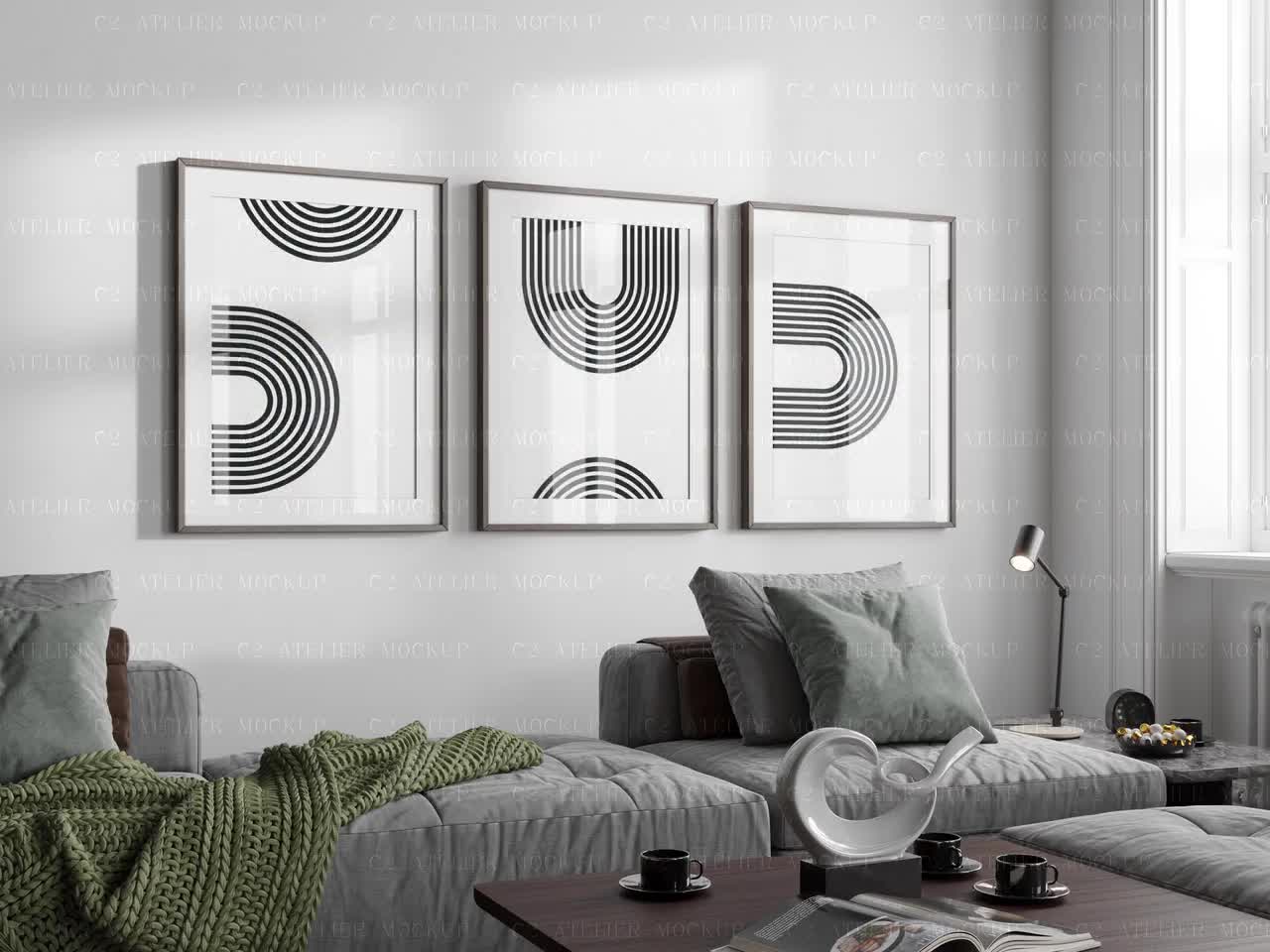
The Hidden Cost of Using Free Mockup Templates When You're Scaling a Print-on-Demand Shop
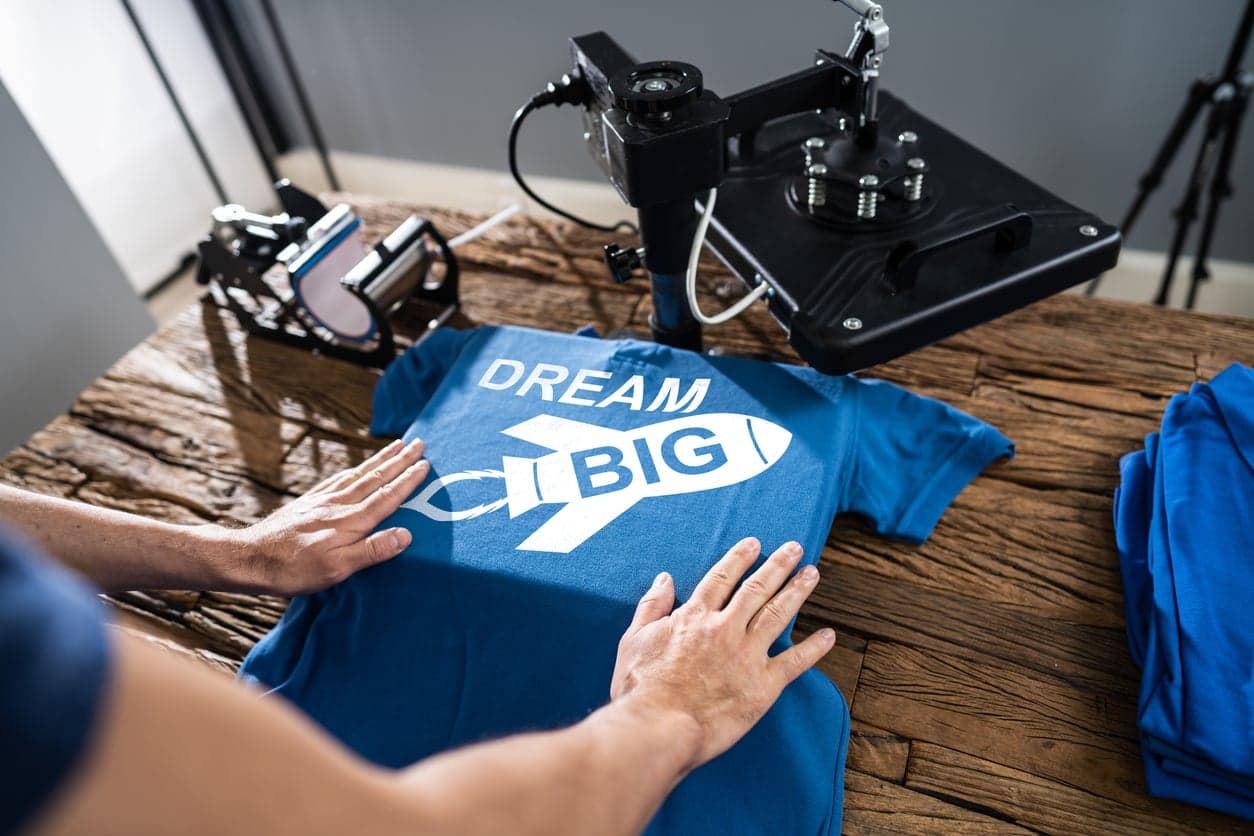
When you're just starting out on Etsy or building your first print-on-demand shop, free mockup templates feel like a genuinely smart move. You're watching every dollar, you're figuring out what sells, and spending money on tools before you've made money feels backwards. So you grab a free PSD from a design resources site, wrestle it open in Photoshop, and call it good enough.
But here's the thing: 'good enough' has a cost too. It just doesn't show up on a bank statement.
Once you start scaling, adding new products every week, managing dozens of listings, and trying to build a recognizable brand, the hidden costs of free mockup templates start stacking up in ways that quietly drain your time, your conversion rates, and your ability to compete in a marketplace that gets more crowded every single month.
This post is about those hidden costs, specifically for Etsy sellers and print-on-demand creators who are past the 'testing things out' phase and are actually trying to build something real.
The Time Cost Nobody Talks About
Let's start with the cost that feels invisible because you never write a check for it: your time.
The Setup Tax on Every Free Template
Free mockup templates are almost never plug-and-play. Most of them are PSDs or layered files that require you to open Photoshop or another editor, locate the smart object layer, paste your design in the right orientation, adjust the resolution, export the file, resize it for Etsy's listing requirements, and then do it all again for the next product.
For one listing, maybe that takes 10 to 15 minutes if you know what you're doing. If you're not fluent in Photoshop, easily 30 minutes or more. Now multiply that by the number of new listings you add every week.
If you're adding 10 listings a week, that's potentially 2 to 5 hours spent just on mockup creation. That's time you're not spending on designing new products, researching trending keywords, responding to customers, or actually growing your business.
Hunting for Matching Templates Is Its Own Part-Time Job
Here's a scenario that will sound familiar to a lot of print-on-demand sellers: you find a beautiful free mockup for a framed print, use it for your first five listings, and then need a mockup for a slightly different frame size or a different room setting. So you go back to the free resource site. And you spend 45 minutes scrolling through options, downloading files, realizing they're watermarked or low resolution, trying different ones, and eventually settling for something that kind of matches but not really.
And then you have a shop where half your listings look like they belong together and the other half look like they came from a completely different store. Which they did.
The time spent hunting for free templates compounds quickly. A consistent paid tool where you pick a style once and apply it across your whole catalog saves enormous amounts of that hunting time.
Takeaway: Track your mockup creation time honestly for one week. Most sellers who do this are genuinely surprised by the total. That number tells you what free is actually costing you.
What Inconsistent Branding Does to Your Conversion Rate
Beyond time, there's a more subtle cost that directly affects your revenue: inconsistent visual presentation across your shop.
First Impressions Happen at the Shop Level, Not the Listing Level
When a buyer lands on your Etsy shop, they don't just look at one listing. They scan. They scroll through your thumbnails. They form an impression in a few seconds about whether your shop looks professional, trustworthy, and worth buying from.
If your listing images look like they came from five different places because they came from five different free template packs, your shop feels fragmented. Not intentionally eclectic. Fragmented. There's a difference, and buyers sense it even if they can't articulate it.
A shop where every listing image has a consistent color temperature, a consistent level of styling, and a consistent visual language reads as a brand. Buyers pay more for brands, and they're more likely to return to them.

Free Templates Weren't Designed for Your Niche
Most free mockup templates are generic. They're designed to look broadly appealing, which means they're not designed to look specifically right for wall art, digital prints, or the kind of cozy, aspirational aesthetic that performs well in Etsy's home decor category.
When your product is a minimalist botanical print and your mockup shows it in a stark, industrial loft with concrete walls, the mismatch doesn't just look off aesthetically. It fails to help the buyer imagine the product in their own home. And helping buyers imagine the product in their life is the entire job of a mockup.
Tools and template libraries built specifically for print-on-demand sellers and wall art creators choose room settings, frame styles, and lighting that actually matches the expectations of that market. Generic free templates don't make that distinction.
The Race to the Bottom Starts With Looking Like Everyone Else
Here's a competitive reality worth sitting with: a lot of the free mockup templates being used on Etsy are the same ones. The popular free packs get downloaded thousands of times. If you're using the same mockup as dozens of other sellers in your category, you're making it harder for buyers to distinguish your products from theirs, even if your actual designs are better.
Professional, consistent mockup presentation is one of the fastest ways to visually differentiate your shop without changing your products at all. If your images look noticeably more polished than competitors at the same price point, you win more clicks. More clicks become more conversions.
Takeaway: Open your Etsy shop and look at your listings grid with fresh eyes, or better yet, ask someone who hasn't seen it before. Ask them if it looks like one cohesive brand or a collection of random items. Their answer tells you what buyers are experiencing.
The Scaling Problem Nobody Warns You About
This is where free mockup templates go from being mildly inconvenient to genuinely holding your business back.
Manual Processes Don't Scale
When you have 20 listings, doing mockups manually is annoying but manageable. When you have 200 listings and you're adding 20 more every week, a manual mockup process is a bottleneck that limits how fast you can grow.
Some sellers hit this wall and respond by slowing down how many new products they launch. Others bring in help, paying someone to handle mockup creation, which adds a real dollar cost that finally makes the 'free' calculation look different. Neither of these is a great outcome if the underlying process could simply be faster.
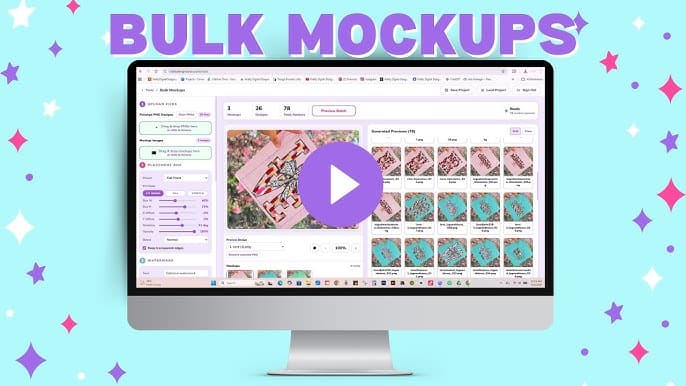
Bulk mockup generation changes the math entirely. Being able to drop a batch of design files and generate listing-ready images for all of them in a fraction of the time means your launch speed is limited by your design output, not your production workflow. That's the right bottleneck to have.
Updating Old Listings Becomes a Nightmare
At some point you'll want to refresh your shop. Maybe you've found a mockup style that converts better, or Etsy changes its image requirements, or you simply want to rebrand. With free templates and a manual process, updating 150 listings means going back through every single one.
With a tool that generates mockups systematically, refreshing your entire catalog is a fundamentally different task. You're regenerating in batches rather than rebuilding one by one.
The sellers who build scalable systems early are the ones who can pivot quickly when something changes in the market. The sellers still doing everything manually are the ones who just can't move that fast.
You're Paying in Opportunity Cost
Every hour you spend on mockup production is an hour not spent on activities that compound: keyword research that improves your SEO, new product designs that expand your catalog, customer engagement that builds repeat buyers, or learning about what's trending in your niche before your competitors figure it out.
Free tools often cost more in opportunity than they save in subscription fees. When you actually do the math on your hourly rate against the time saved by a proper tool, the numbers rarely favor the free option.
Takeaway: Think about what your business would look like if you could launch new products twice as fast. That gap between your current speed and that hypothetical speed is the opportunity cost you're paying right now.
The Quality and Licensing Risks You Might Be Overlooking
Time and branding are the big hidden costs, but there are two more that are worth understanding, especially as your shop grows and has more to lose.
Resolution and Quality Issues Hurt Your Listings More Than You Think
A lot of free mockup templates are distributed at lower resolutions or in formats that don't hold up well when Etsy zooms in on them. Etsy recommends listing images at 2000 pixels on the shortest side, and many buyers zoom in before purchasing, especially for wall art where they want to see detail and quality.
If your mockup looks soft or pixelated at full zoom, it creates doubt. That doubt kills sales. You might have the sharpest, most detailed design file in the world, but if the mockup itself looks low quality, the buyer's perception of your product suffers.

Free Doesn't Always Mean Free to Use Commercially
This one catches a lot of sellers off guard. Many free mockup templates are distributed under licenses that allow personal use but not commercial use. Using them in Etsy listings, which are commercial product listings, can put you in a gray area or outright violation depending on the specific license.
As your shop grows and becomes more visible, the risk associated with unclear licensing grows with it. A cease and desist or a DMCA takedown on your listings is a serious disruption to a business you've worked hard to build.
Paid tools with clear commercial licensing agreements remove this ambiguity entirely. You know what you're licensed to do, and you can use the mockups in listings, ads, social media, and anywhere else your marketing takes you without second-guessing yourself.
Takeaway: Check the license on every free mockup template you're currently using. Look specifically for language about commercial use. If it's ambiguous or restricted, that's a risk sitting in your active listings right now.
What a Better System Actually Looks Like
The answer isn't to go out and buy the most expensive, feature-heavy mockup platform you can find. Most of those tools are built for agency designers and have way more complexity than a print-on-demand seller actually needs.
The answer is a system that matches your actual workflow, which means fast, consistent, affordable, and built around the specific use cases of digital print and wall art sellers.
Batch Processing Changes Everything
The single biggest efficiency gain in mockup creation comes from moving from a one-at-a-time manual workflow to batch processing. Being able to upload your design files, select a mockup style, and generate images for all of them at once compresses what used to be hours into minutes.
For a seller adding 10 to 20 new products a week, batch processing isn't a luxury. It's the difference between a sustainable operation and one that requires you to work nights and weekends just to keep up with production.
Mockupanda was built around this exact problem. Federico built it because he was living the painful manual workflow himself and couldn't find a tool that solved it without either being prohibitively expensive or being so complex it required a design background to operate. The result is a tool that handles bulk generation cleanly, without requiring Photoshop knowledge or an enterprise budget.
Consistency Across Your Whole Catalog
A good mockup system lets you pick a visual style once and apply it consistently across everything you produce. That consistency is what turns a collection of individual listings into a brand. It's what makes a buyer who finds one of your products feel like they've discovered a shop worth browsing rather than a one-off item worth purchasing.
When you can see a clear visual thread running through your entire catalog, from your newest listings back to your oldest ones, your shop stops looking like a side hustle and starts looking like a real business. That perception shift affects everything: how buyers value your products, whether they bookmark your shop, and how confident they feel paying your prices.
Building for Where You're Going, Not Just Where You Are
The decisions you make about your tools and workflows when you have 50 listings set the foundation for what happens when you have 500. Sellers who build scalable systems early, who invest in tools that grow with them rather than tools that are just free today, are the ones who can move fast when an opportunity appears.
The print-on-demand market on Etsy moves quickly. Trends emerge, niches get competitive, algorithm changes shift what gets visibility. The sellers who can launch new products and update their catalog quickly are the ones who can capitalize on those windows before they close.
Takeaway: The right question isn't 'what's free right now?' It's 'what system will let me grow the fastest over the next 12 months?' Answer that question and build toward it, even if it means spending a small amount on tools that remove friction from your workflow.
Making the Switch Without Disrupting Your Business
If you've been using free templates for a while, the thought of changing your workflow might feel disruptive. It doesn't have to be.
Start With New Listings, Then Audit Old Ones
You don't need to redo your entire catalog on day one. Start by using a proper tool for every new listing you create going forward. Get comfortable with the workflow. Then, when you have a slow week or you're doing a general shop refresh anyway, systematically update your older listings to match.
Etsy rewards shops that stay active and update their listings. Refreshing your mockup images as part of a regular maintenance routine is good practice regardless of what tools you're using.
Track the Before and After
When you switch tools for new listings, pay attention to what happens to your click-through rates and conversion rates over the following weeks. Etsy's shop stats give you enough data to see whether listing images with more professional mockups are performing differently than your old ones.
This isn't just about justifying the tool cost to yourself. It's about understanding which presentation styles your specific audience responds to, which is knowledge that makes every future listing decision smarter.
Takeaway: Pick your next five new listings as a test. Create those mockups with a proper tool. Give it a few weeks and compare performance to your previous listings in the same category. Let the data make the decision for you.
---
Free mockup templates got a lot of print-on-demand shops started, and there's nothing wrong with that. But scaling a shop is a fundamentally different challenge than starting one, and the tools that helped you begin aren't always the tools that help you grow.
The hidden costs of free templates, time, inconsistent branding, limited scale, quality risks, and licensing ambiguity, don't show up all at once. They accumulate quietly while you're busy doing everything else that running a shop requires. By the time most sellers feel the full weight of them, they've already lost months of momentum.
Building a mockup workflow that's fast, consistent, and designed for the kind of work you're actually doing isn't an expense. It's an infrastructure investment in the business you're trying to build.
Keep reading
How to Use Your Mockup Generator to Create Instagram Carousel Posts That Drive Traffic to Your Etsy Shop